

 English
Neue Funktionen
Erfahren Sie alles über die Änderungen in unserer Scan-Software “CS.Core”
28.10.2024
» Bugfix
- Anpassung an das neue Windows 11 Update (v.24H2)
15.10.2024
» Anpassung auswählbare Indikationen (Full jaw, Modellguss, Vollprothese)
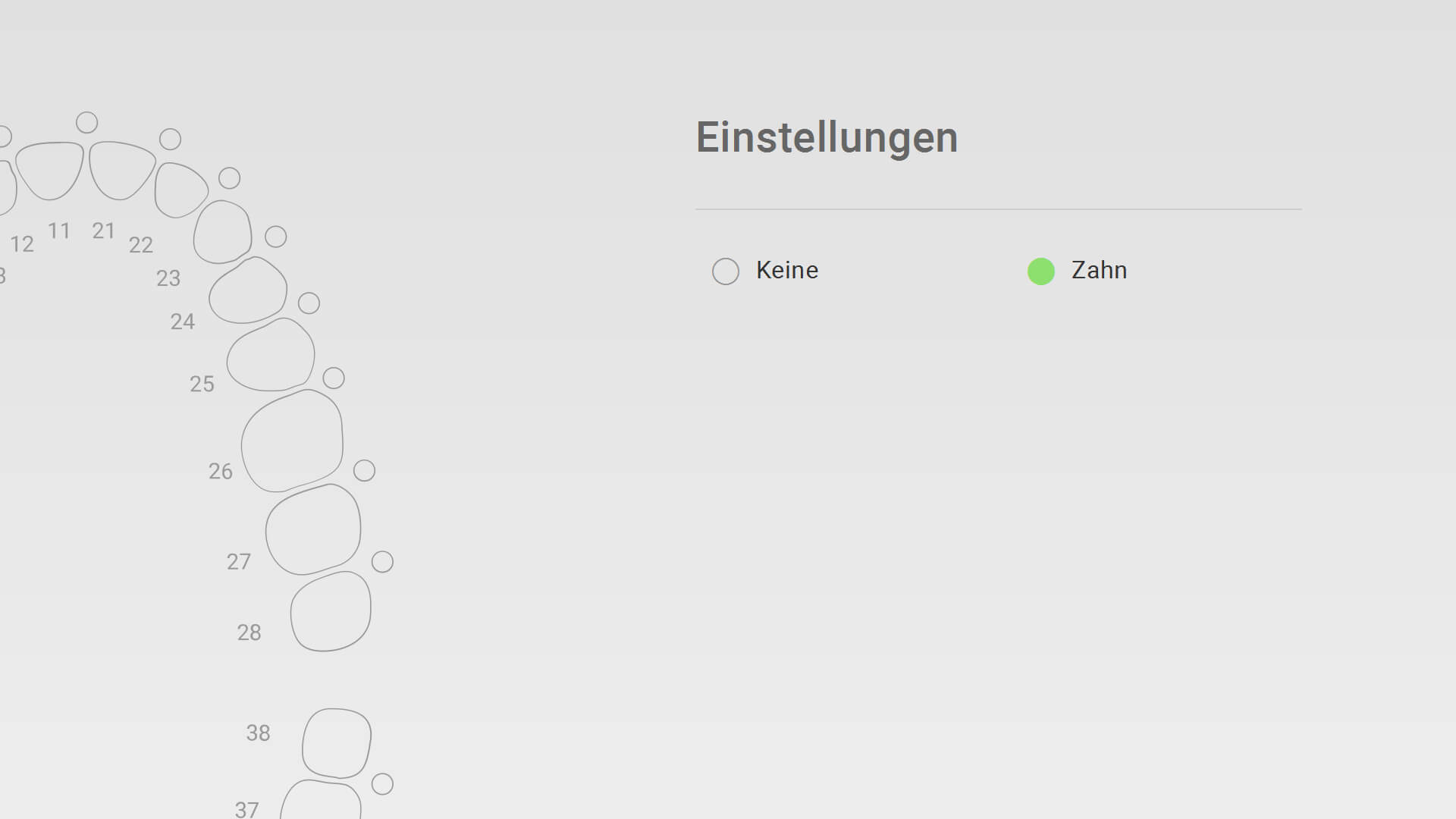
Indikationen 1 FullJaw
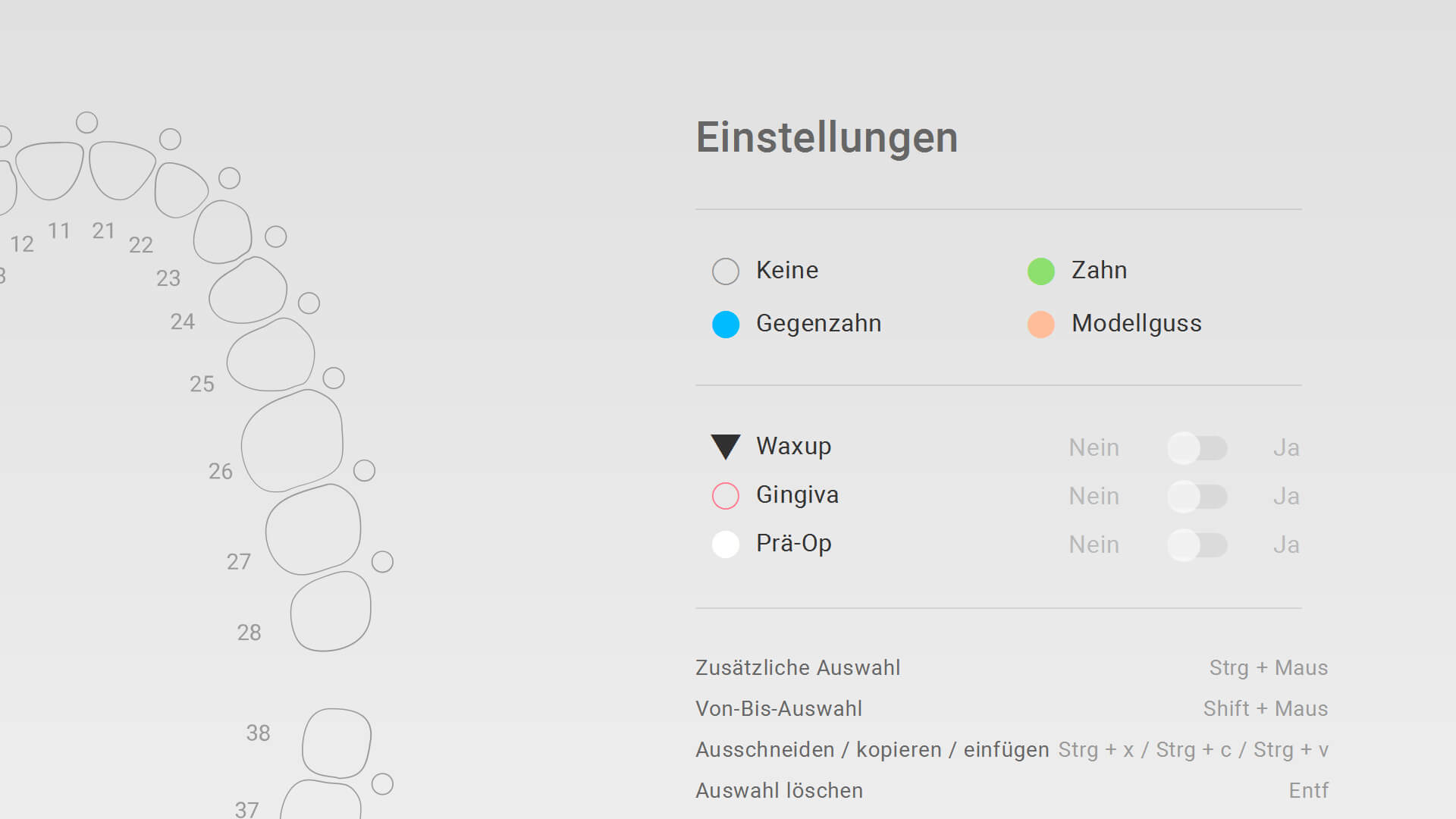
Indikationen 2 Modellguss
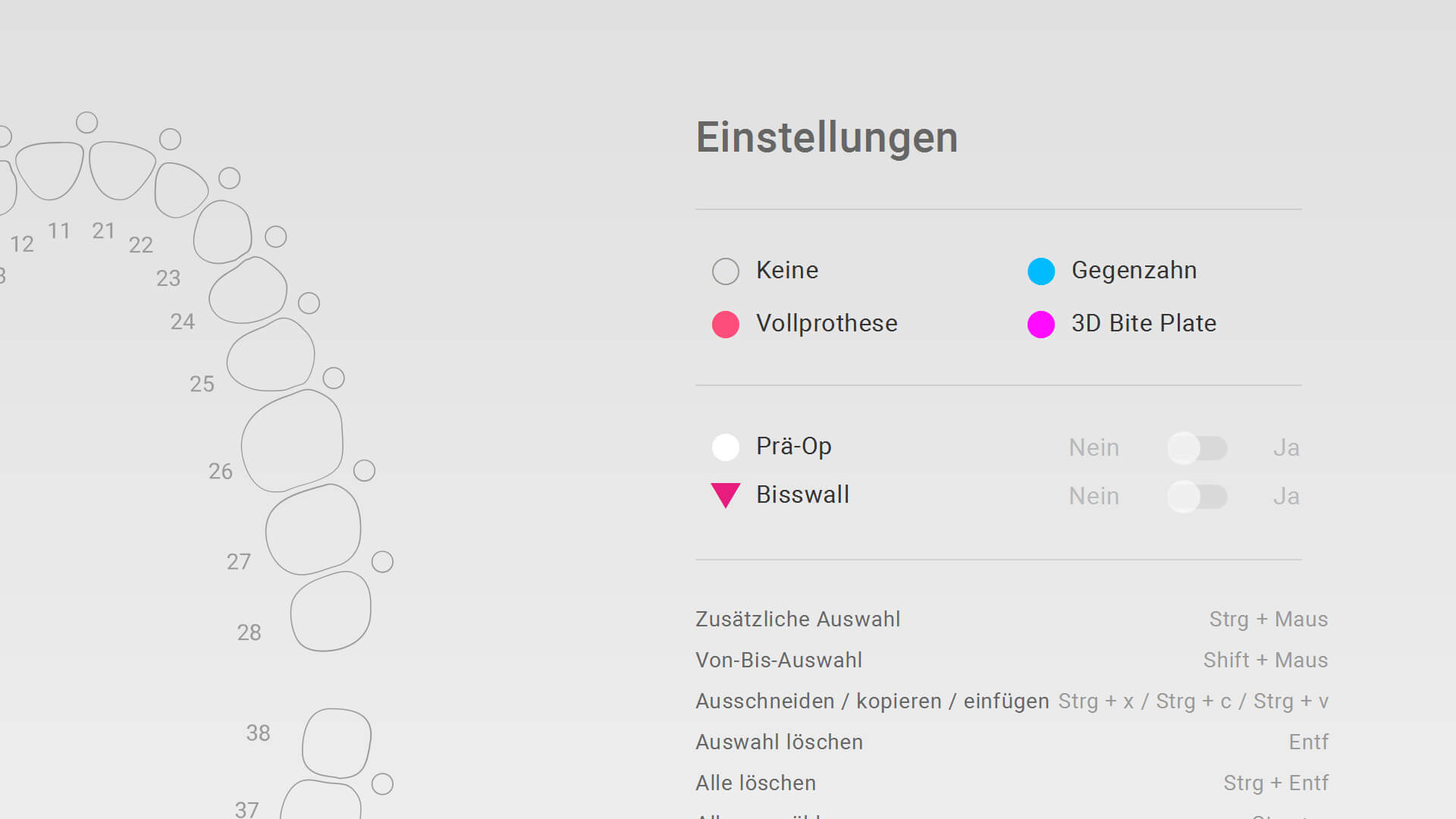
Indikationen 3 Vollprothese
» Anpassung Symbol/Text Vollprothese Freemode (Funktionsabformung)
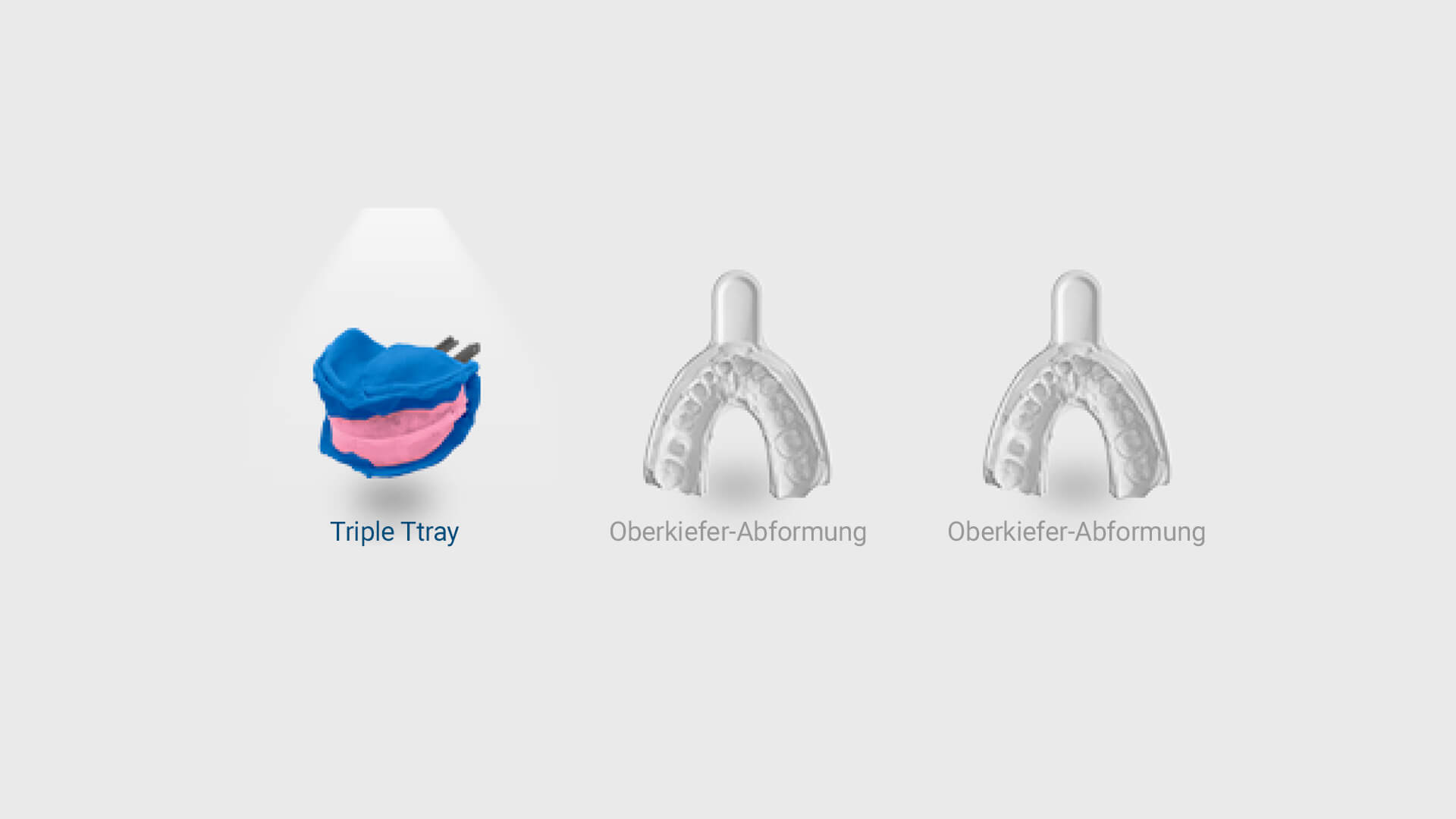
Arbeitsschritte 1
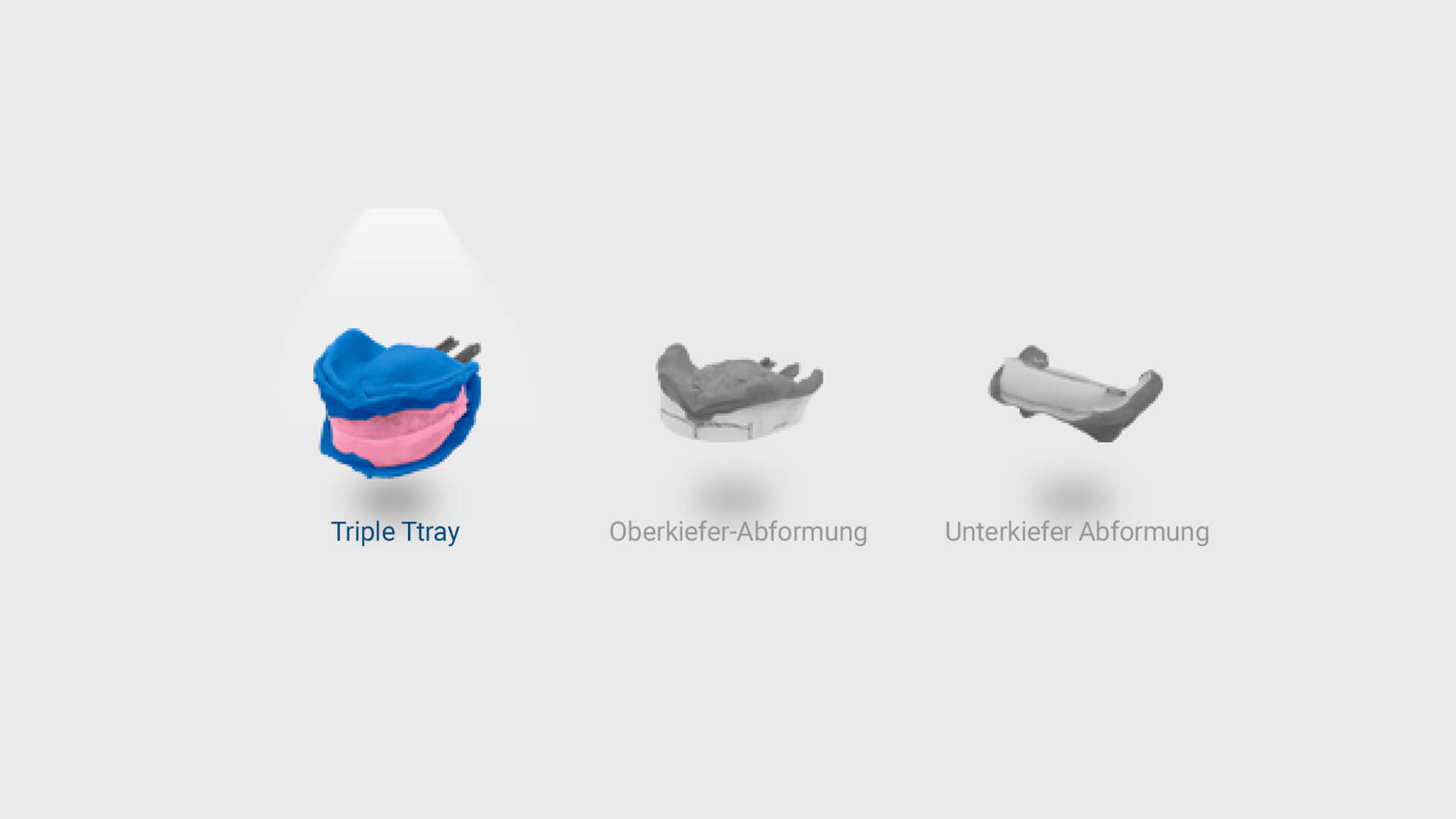
Arbeitsschritte 2
» Sprachupdate
» Bugfix
- Optimierung auflösungssbedingter Fehler des Scanbereichs (Scan-Optionen)
- Wizard-Anpassung Scanplattform (Scan Abformung)
- Anpassung Projektübergabe “Mushbite” aus exocad (ID-Detection)
- Anpassung Projektübergabe “Abformung” aus exocad (Übergabe Indikation)
- Ausrichtungsanpassung Scan Abformlöffel (Funktionsabformung)
- Problembehebung löschen großer Bereiche
10.09.2024
» neue Projektart “Vollprothese”
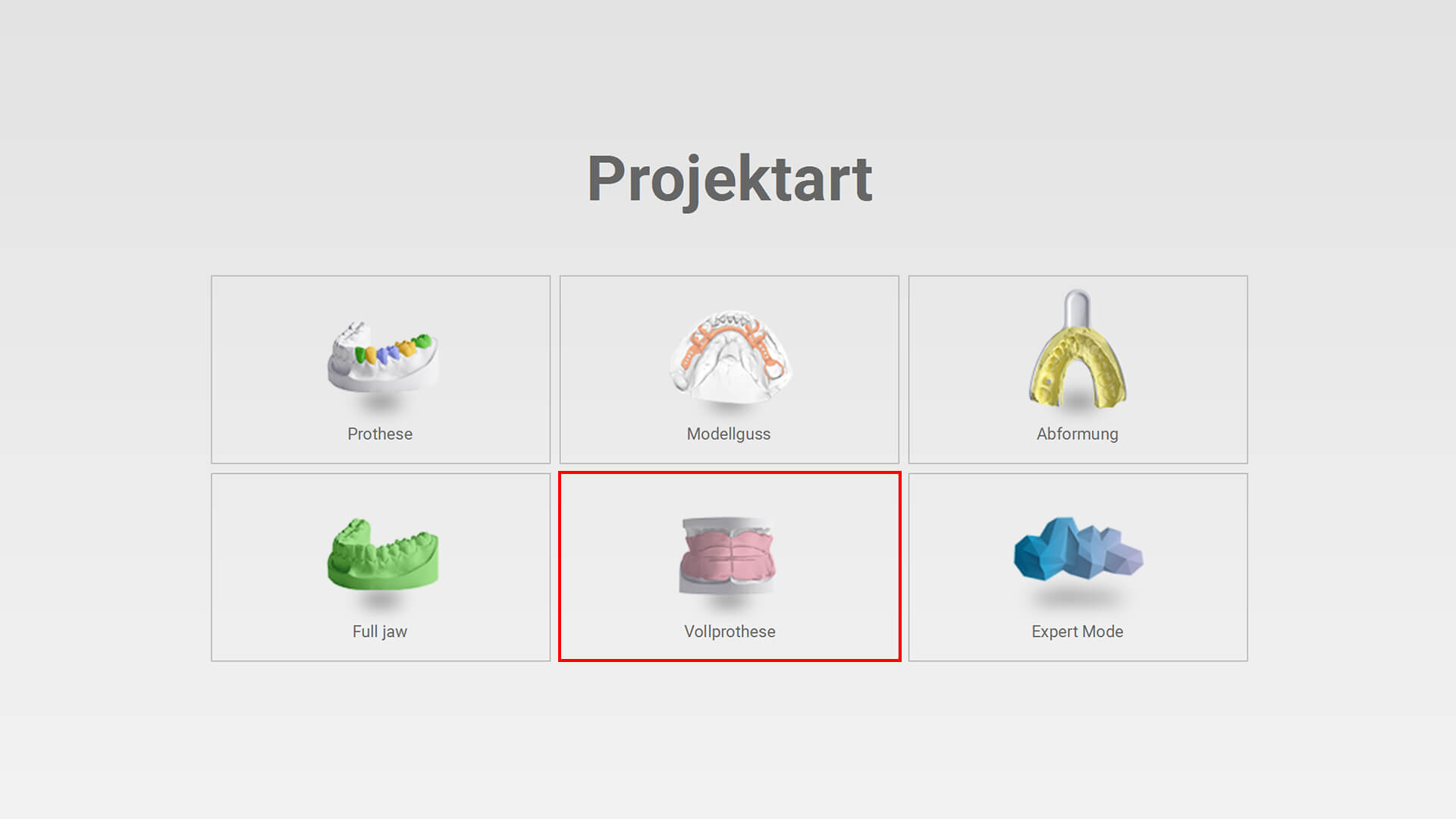
Projektart Auswahl
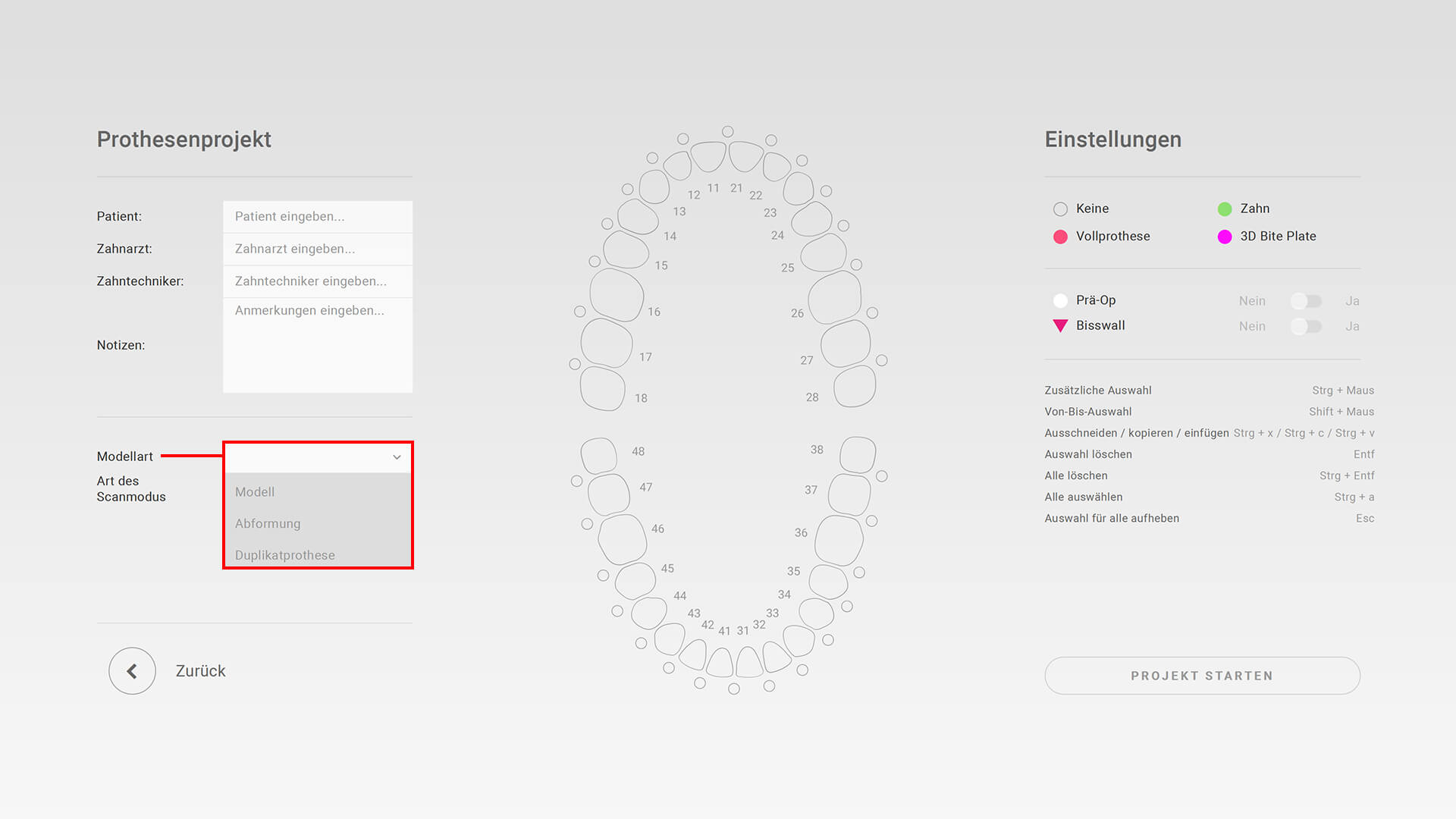
Projektart Modellart
Modellart: Modell
» Nur ein Gipsmodell
» Zwei Gipsmodelle in Okklusion
» Ihren Artikulator auswählen
Modellart: Abformung
» Funktionsabformung
» Abformung und Modell
» Centric Tray
Modellart: Duplikatprothese
» Duplikatprothese in Okklusion
» Duplikatprothese einzeln
03.07.2024
» Scanbereich Visualisierung
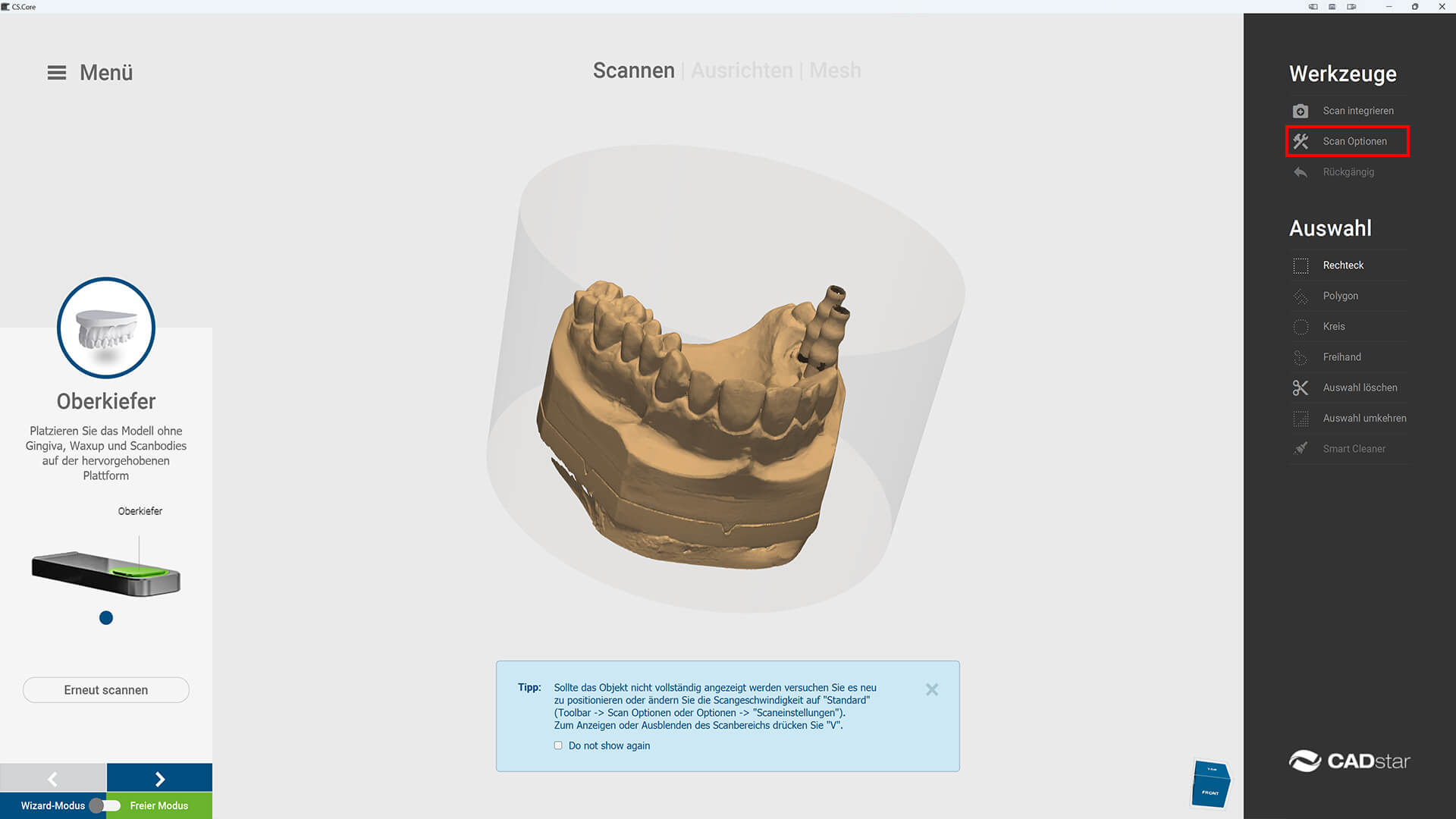
Scanbereich 1
Scanbereich 2
Möglichkeit, den scanbaren Bereich während des Scannens ein-/auszublenden (Zylinder)
» Freemode Erweiterung
Freemode in allen Workflows verfügbar
» Artikulator Update Exocad Elefsina
Update der Artikulator Datenbank für Exocad Elefsina (Panadent PSH, AD2, FAG QuickMaster, SAM NEO)
» Sprachen
Zusätzliche Sprachpakete Polnisch, Rumänisch und Russisch
» Demo Mode
Neue vorbereitete Demomodus-Scans verfügbar
» Projektart Update
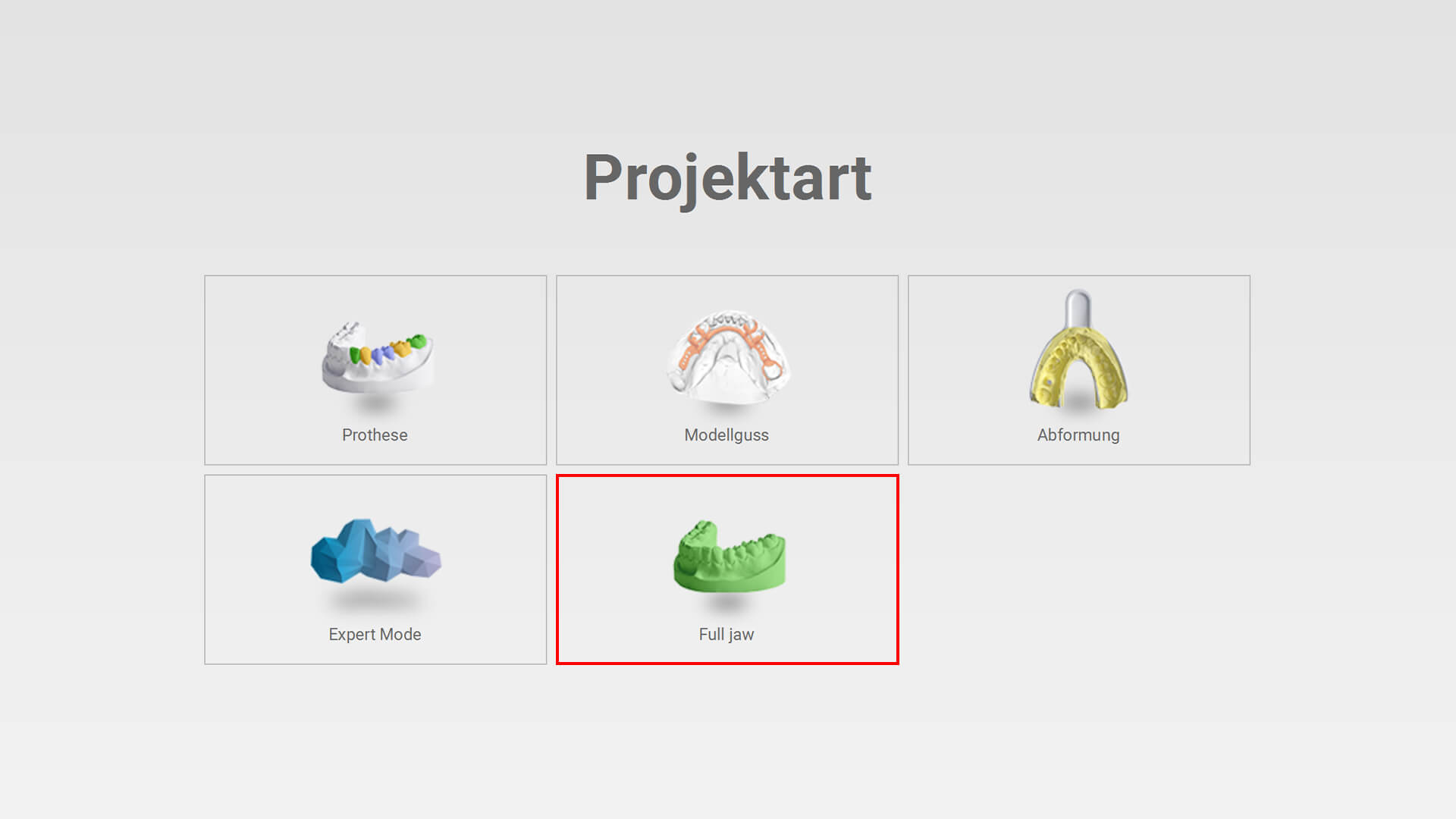
Neu Full Jaw
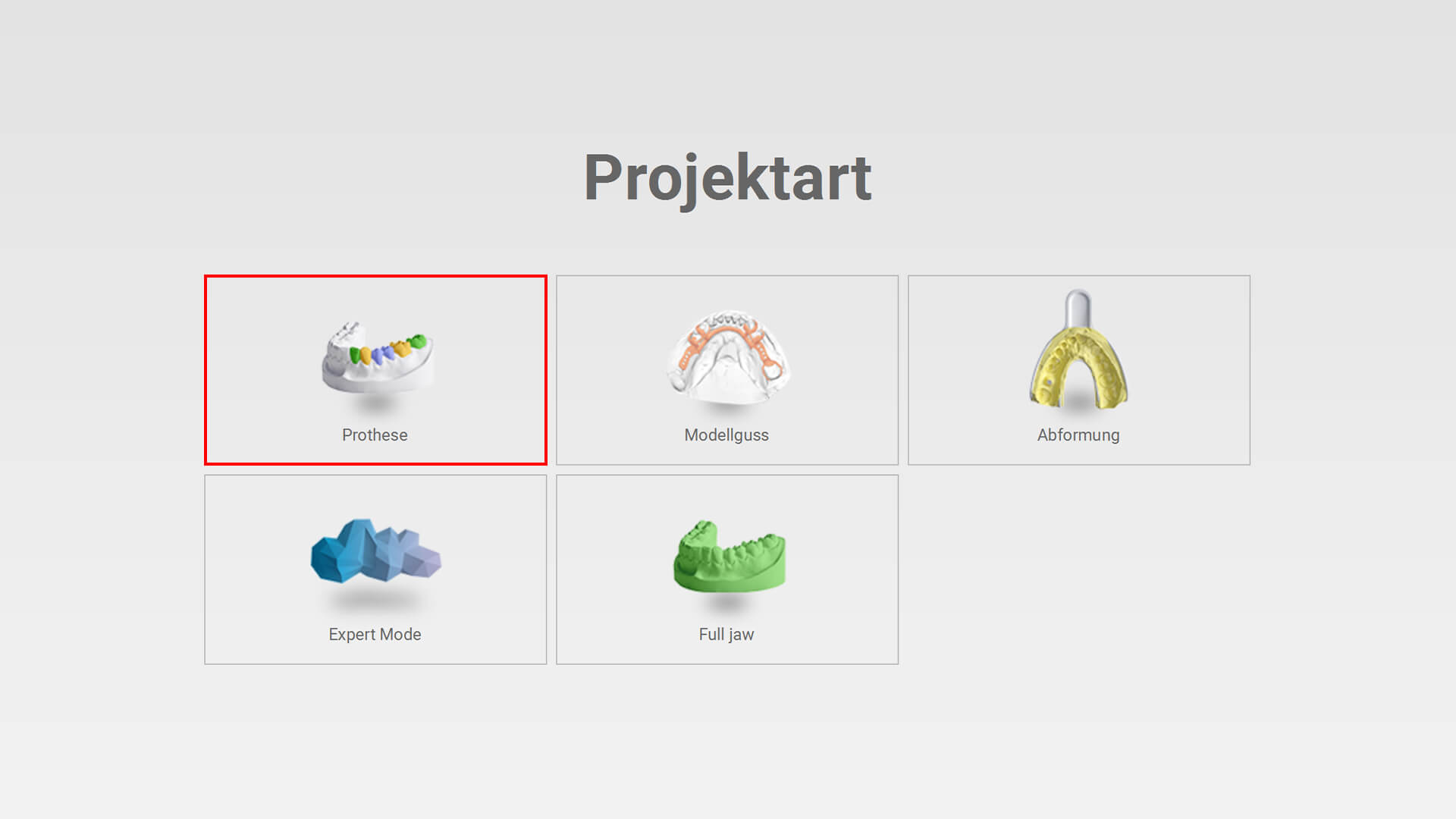
Neu Icon Prthetik
Neuer Projekttyp “Full Jaw” hinzugefügt
Iconänderung Projekttyp “Prothetik”
» Bugfix
- Sprachabhängiges Problem beim Speichern von Einstellungen
10.04.2024
» Multi-Die Adapter (14)
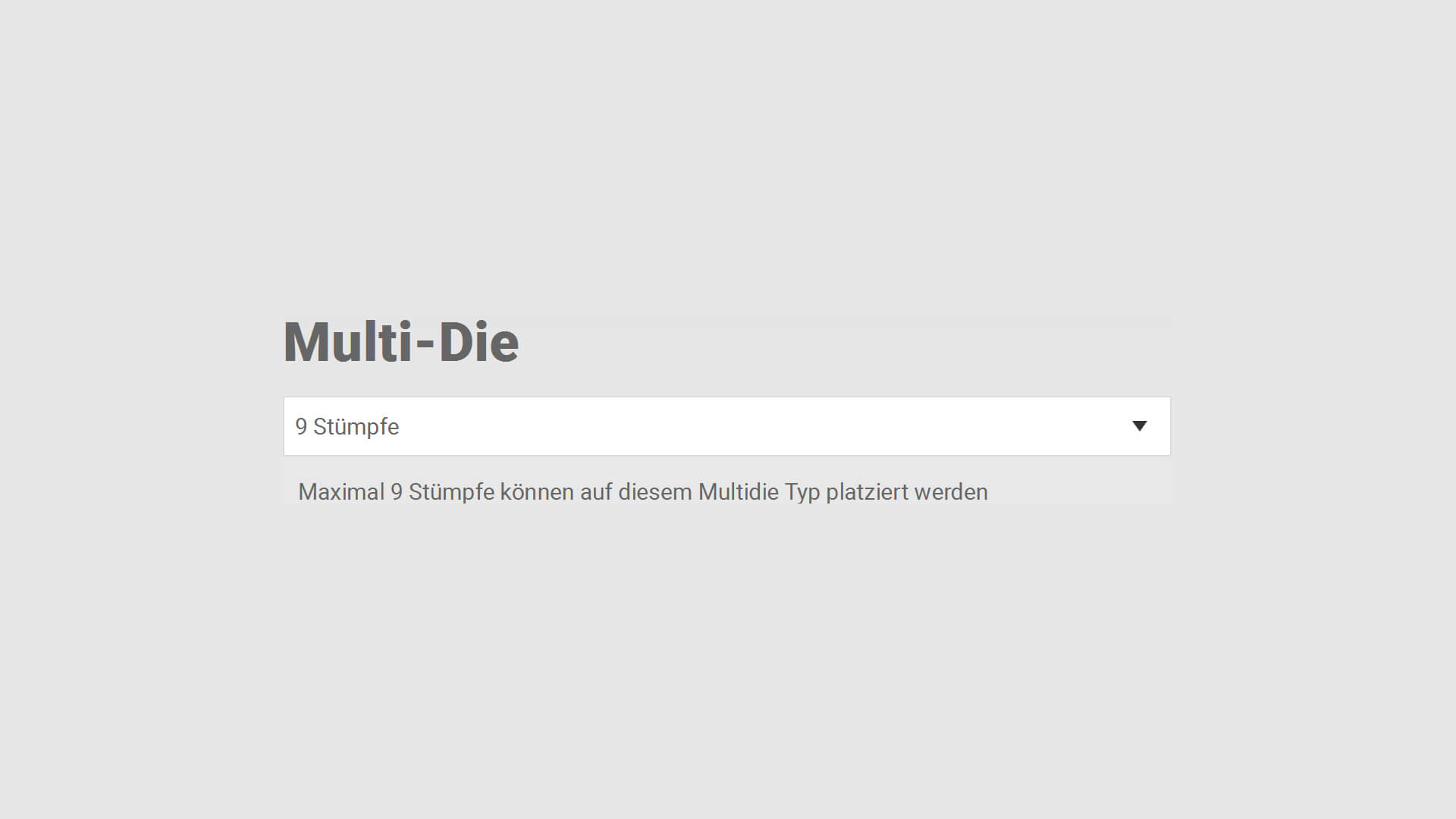
Multi Die Stuempfe 1
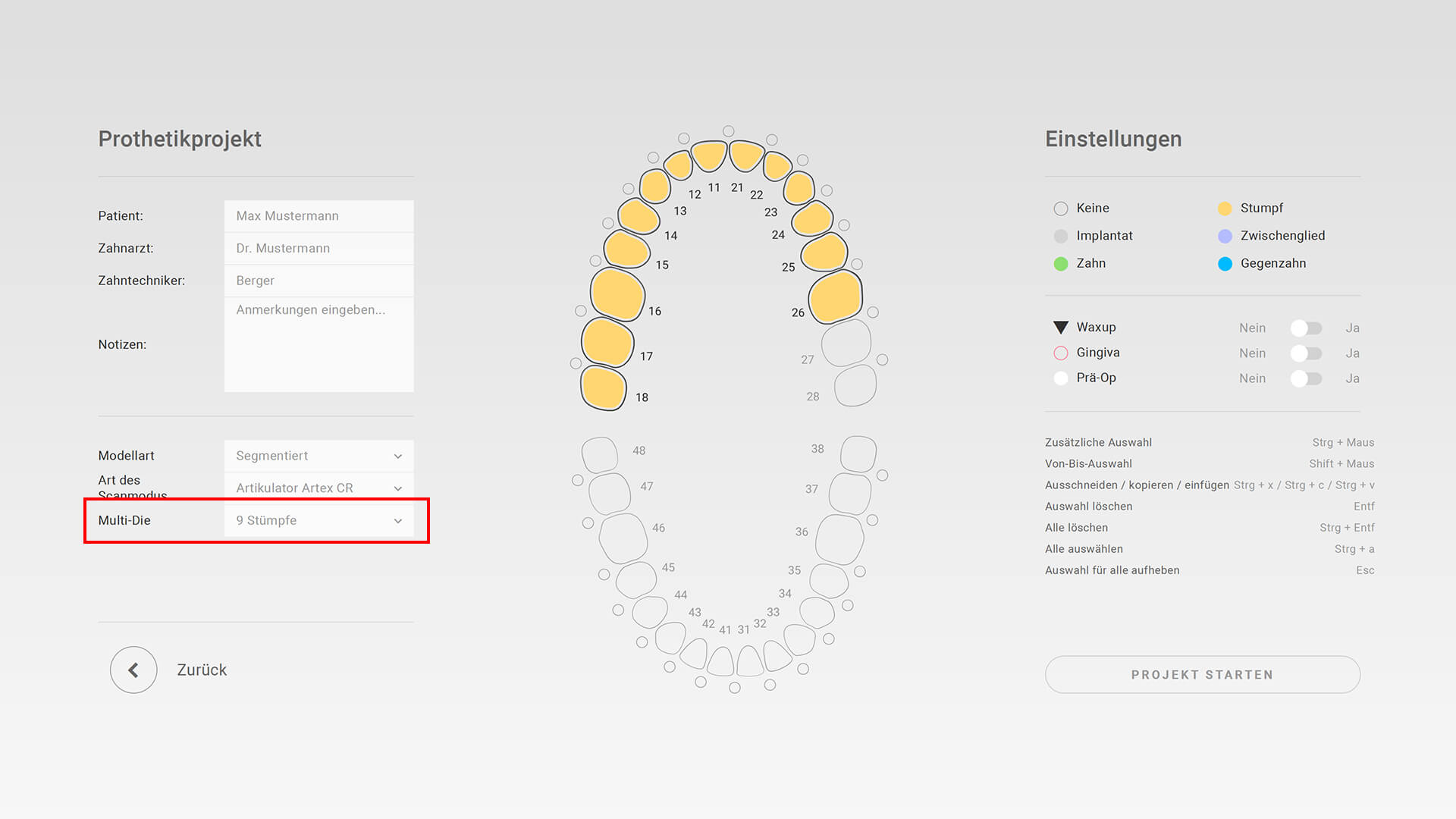
Multi Die Stuempfe 2
Auswahl Standard Multi-Die Adapter (9/14) in „Optionen » Scaneinstellungen“ oder manuell bei neuem Projekt
» Auswahl Demo-Modus Typ
Automatische Zubehörerkennung/Zuweisung richtiger Workflow Modell oder Abdruck (Service Mode)
» Abutment-Scan
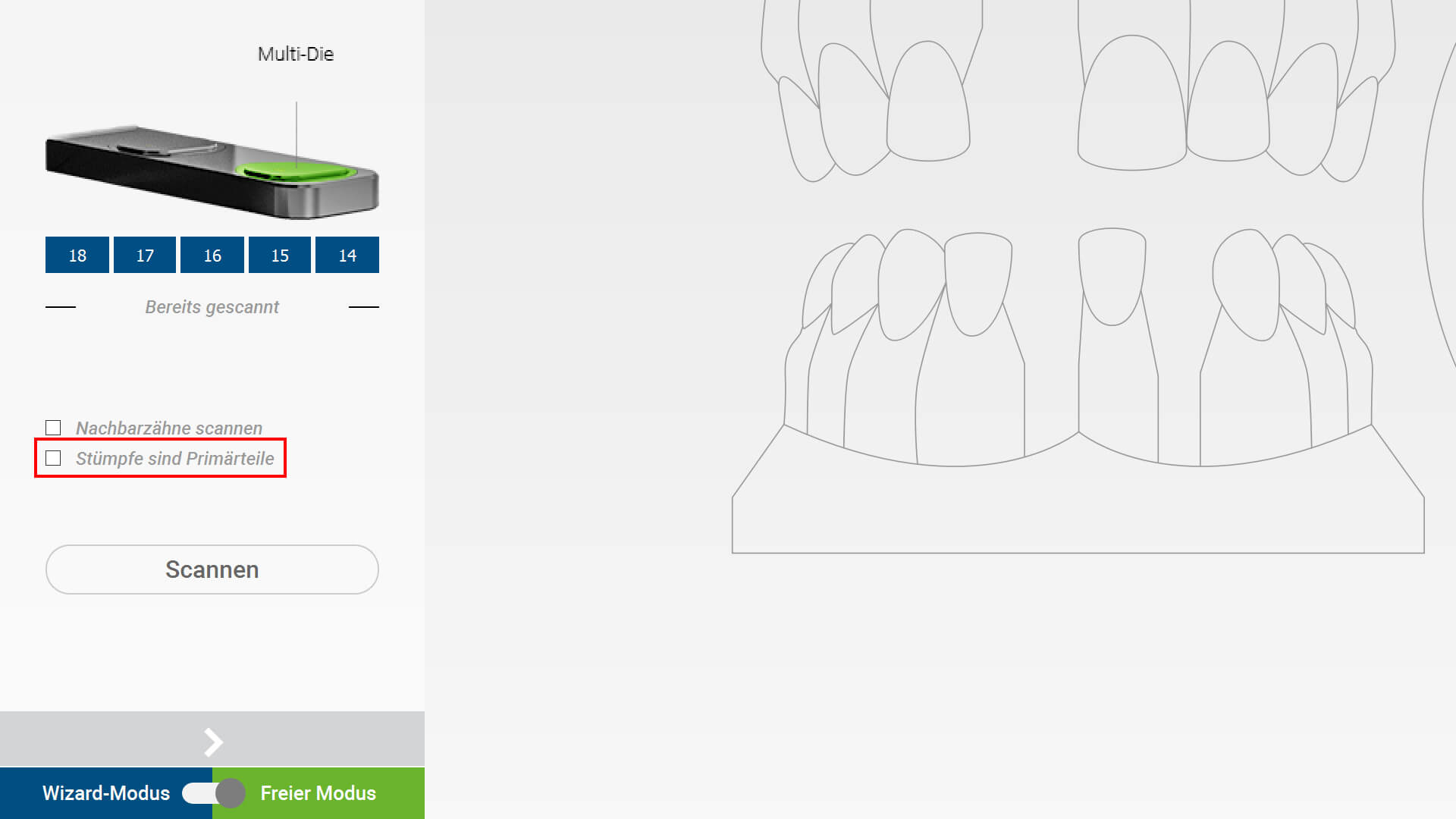
Abutment Auswahl 1
Verbesserung beim Abutment-Scan (Wizard » Checkbox „Stümpfe sind Primärteile“)
» Scan-Verlauf Stumpf und Implantat
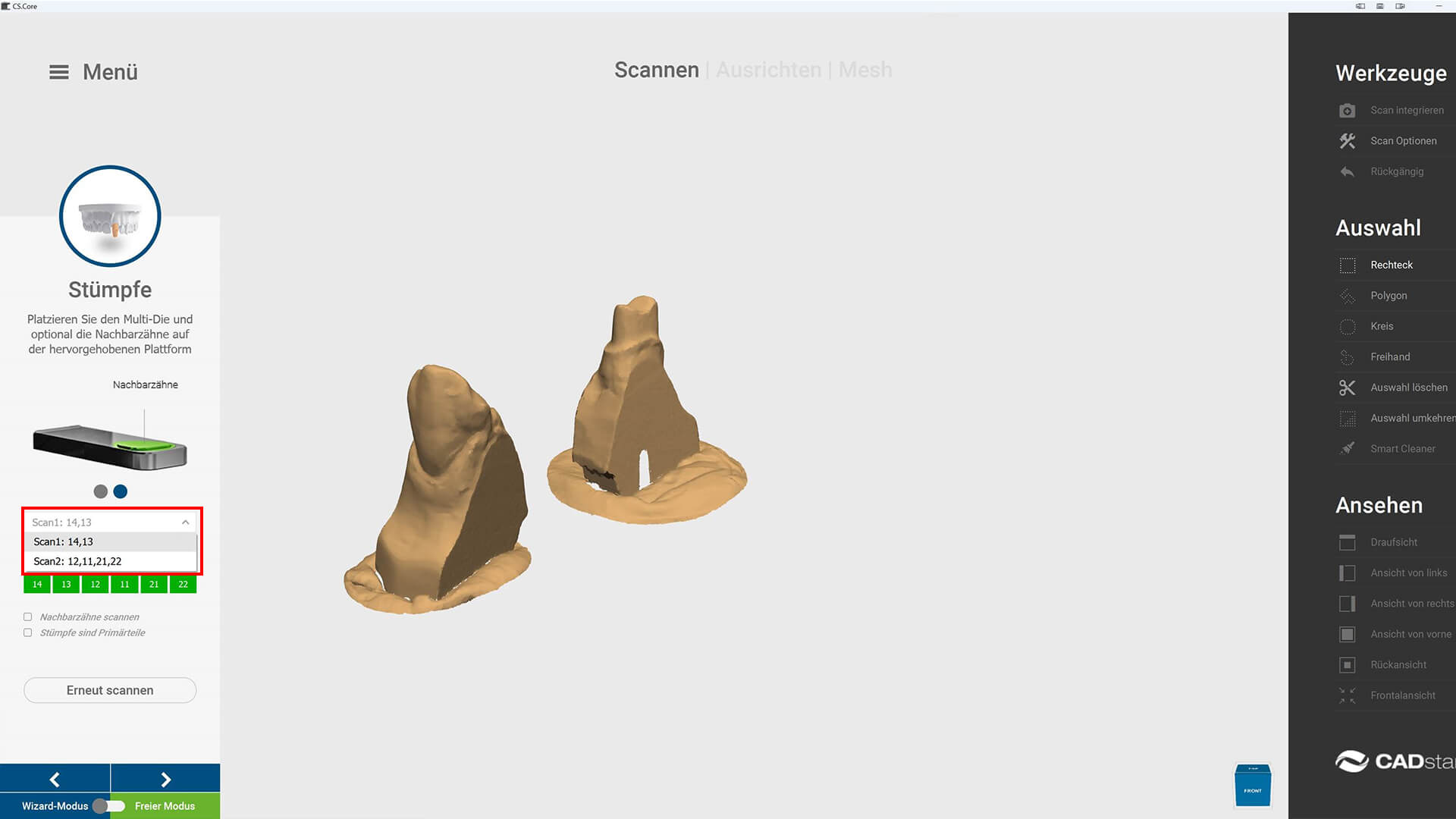
Chronik 1
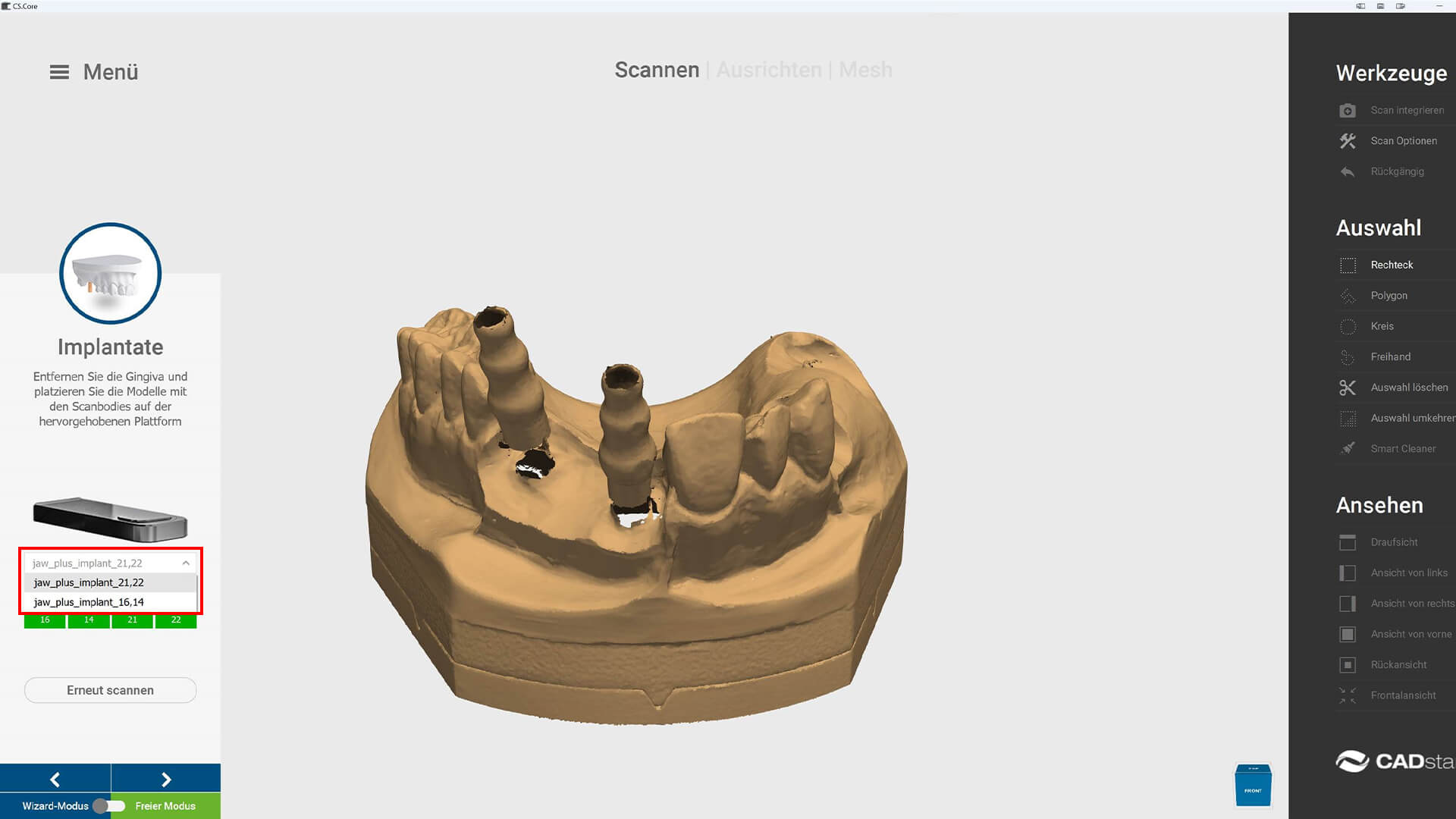
Chronik 2
Möglichkeit zum Scannen oder Nachscannen einzelner Stümpfe und Implantate
» Software Installer
Programmversion jetzt in den Eigenschaften » Details der .exe Datei ersichtlich
» Scan Optionen
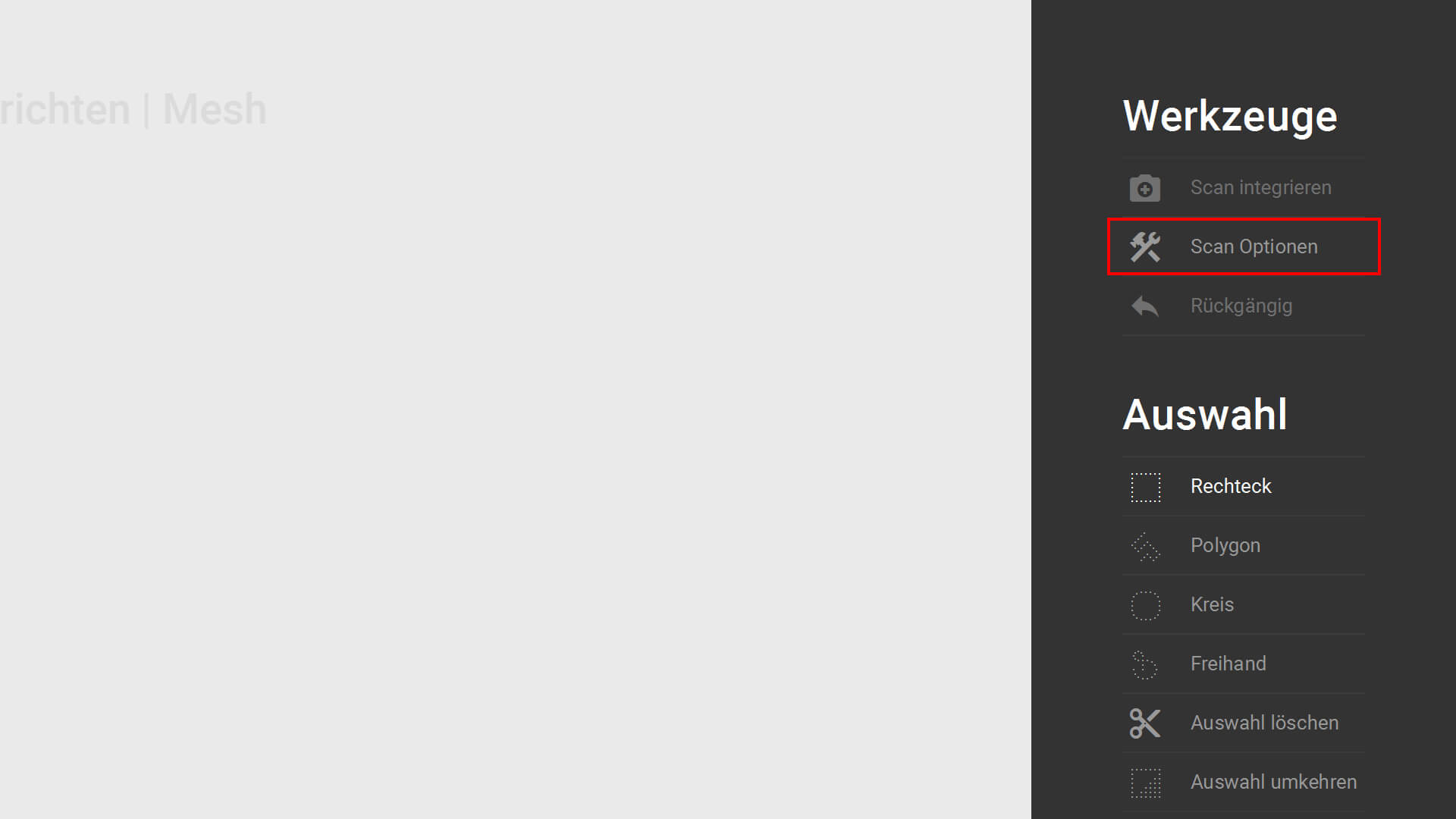
Scan Optionen 1
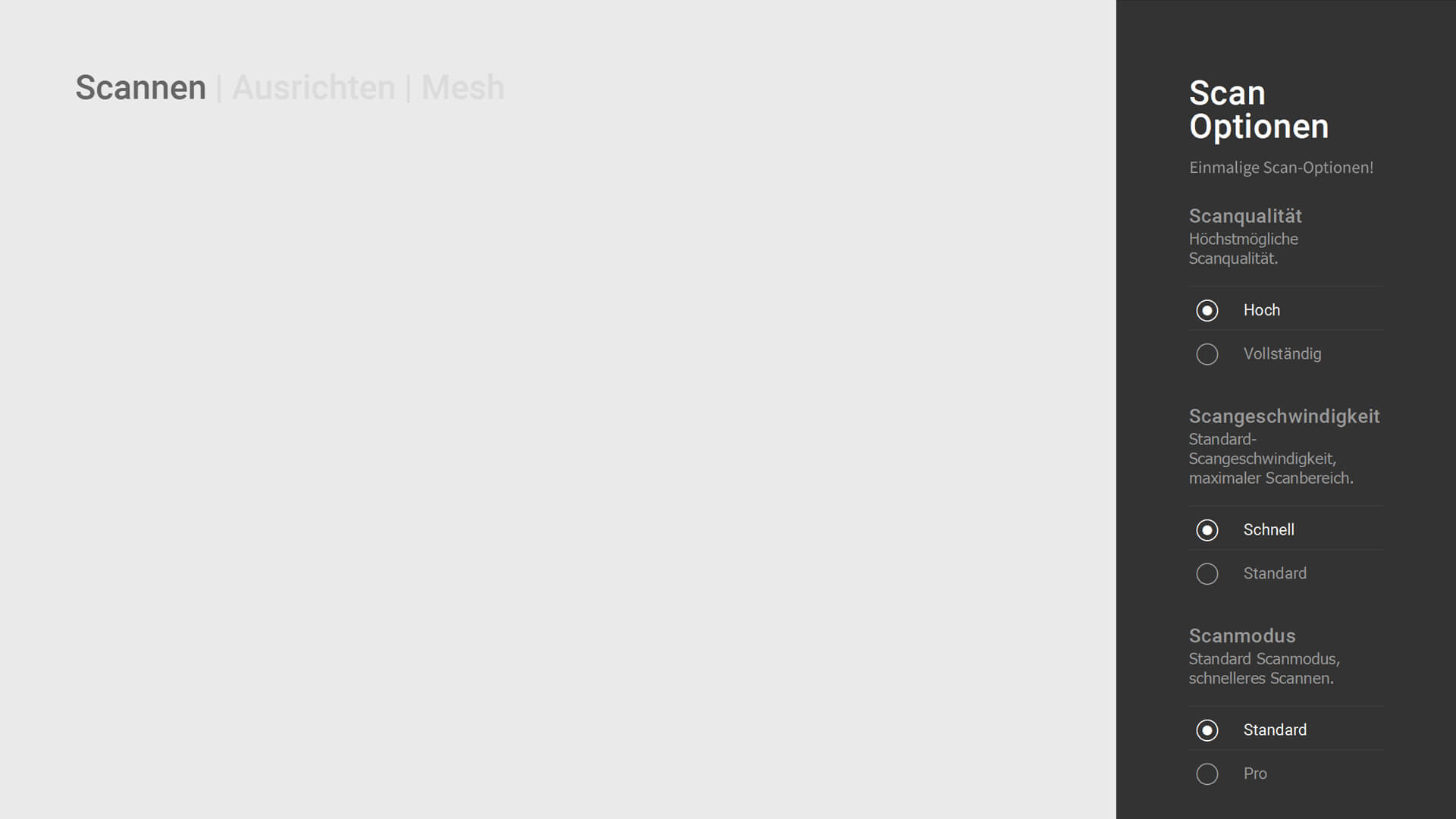
Scan Optionen 2
Zusammenführung der Projekt-Scan-Optionen an einen Ort
» Bugfix
- Behebung der Nachricht „Nachbarzähne haben keine Punktwolke“
- Verbesserung Ausrichtung Automatisierte Abdruck-Achse („Triple-Tray“)
- Highlight Farbe bei Implantat-Auswahl
17.01.2024
» Bugfix
Verhalten bei fehlenden Kalibrierungsdaten
16.01.2024
» Sprachen
Erweiterung der Übersetzungsdaten
» Crop Bereinigung

Crop Bereinigung 1
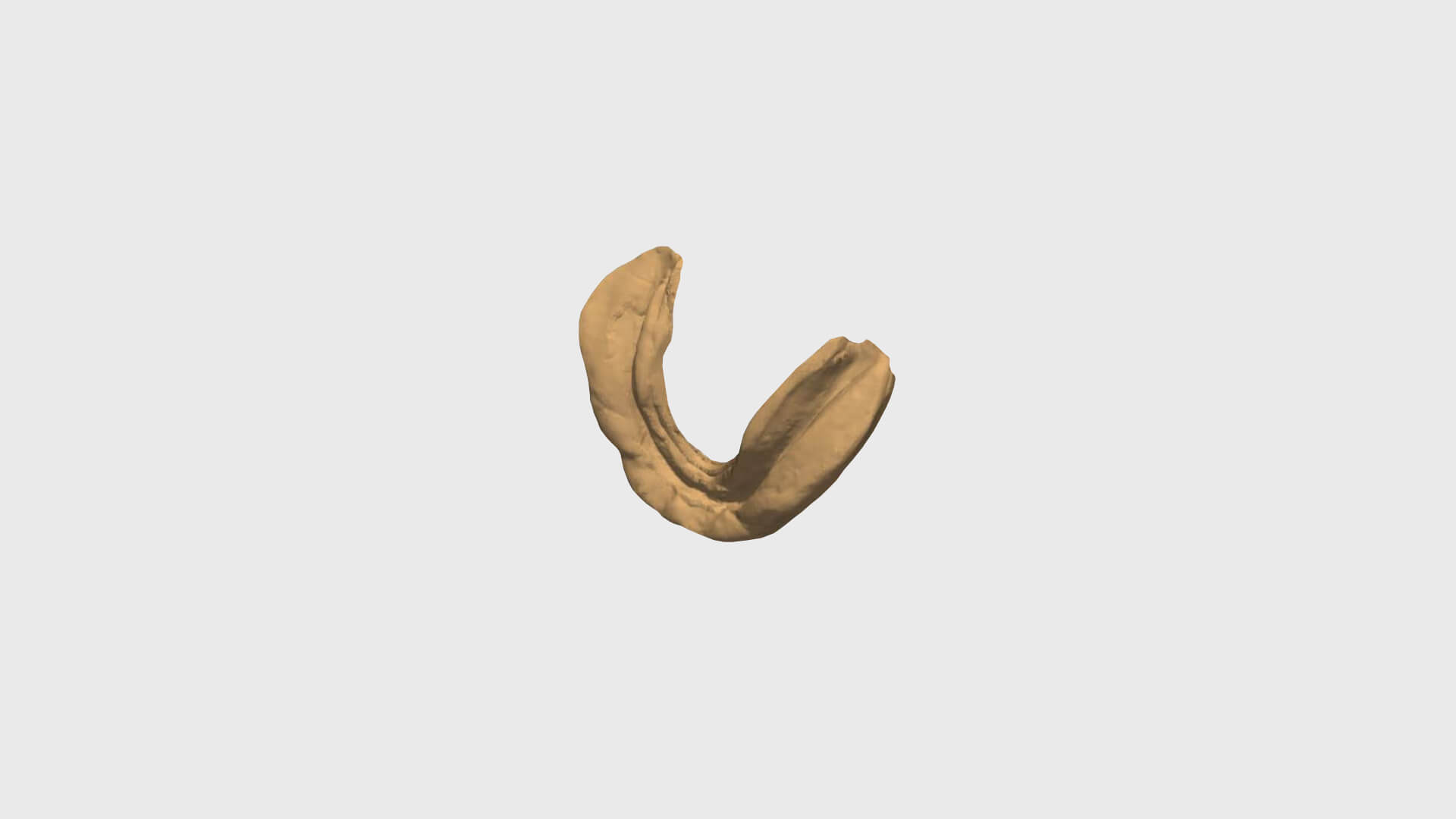
Crop Bereinigung 2
Entfernung der Scan-Cluster
» Bugfixes
- Verbesserung Option » Scangeschwindigkeit
- Öffnen Projekt mit Artikulator Referenz aus Exocad
- Sonderzeichen bei Windows Benutzername
- Alignment Triple-Tray mit automatisierter Abdruck-Achse
07.11.2023
» Bugfix
gelegentlicher Scan-Abbruch
07.11.2023
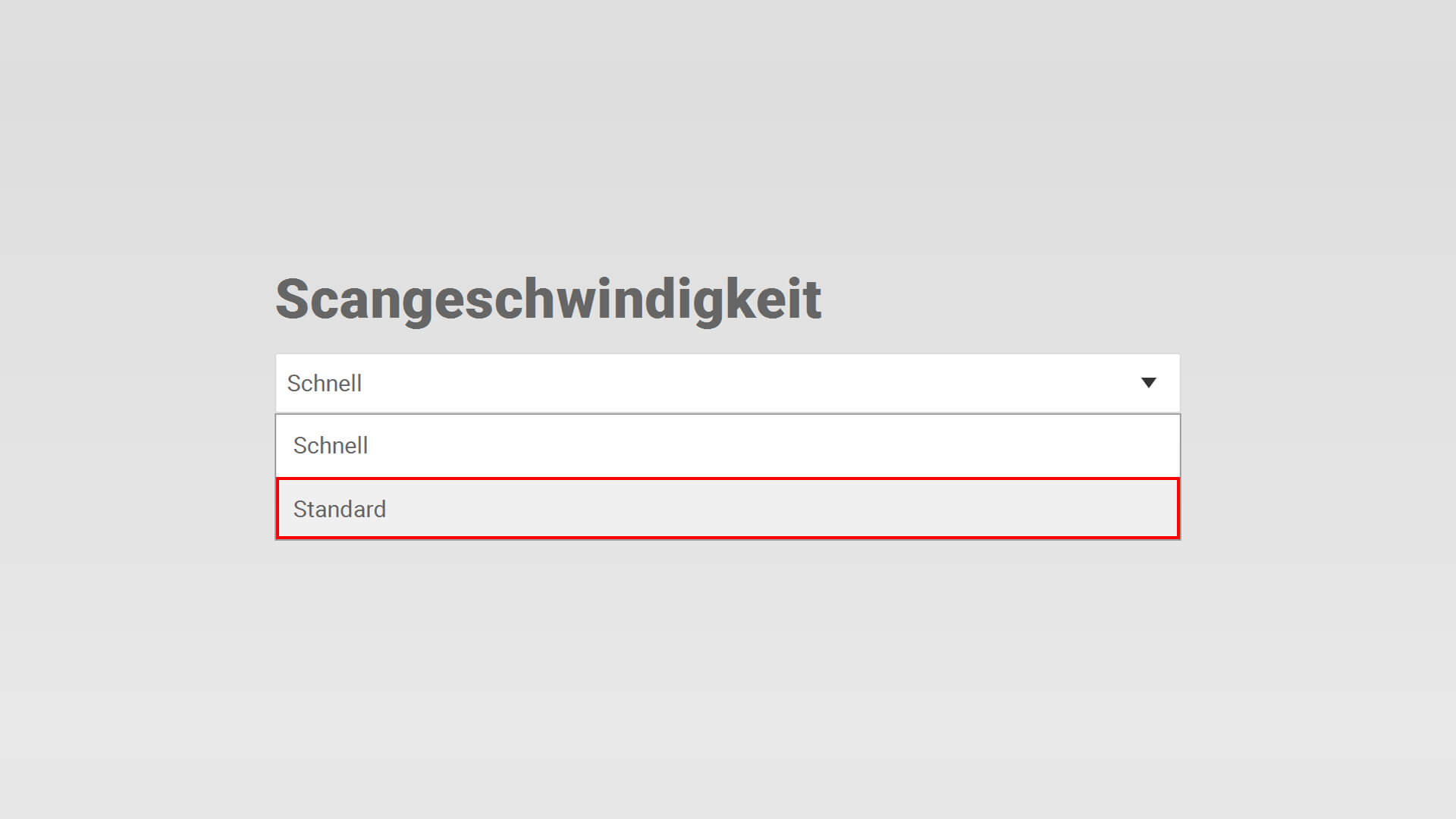
» Verbesserung Scangeschwindigkeit
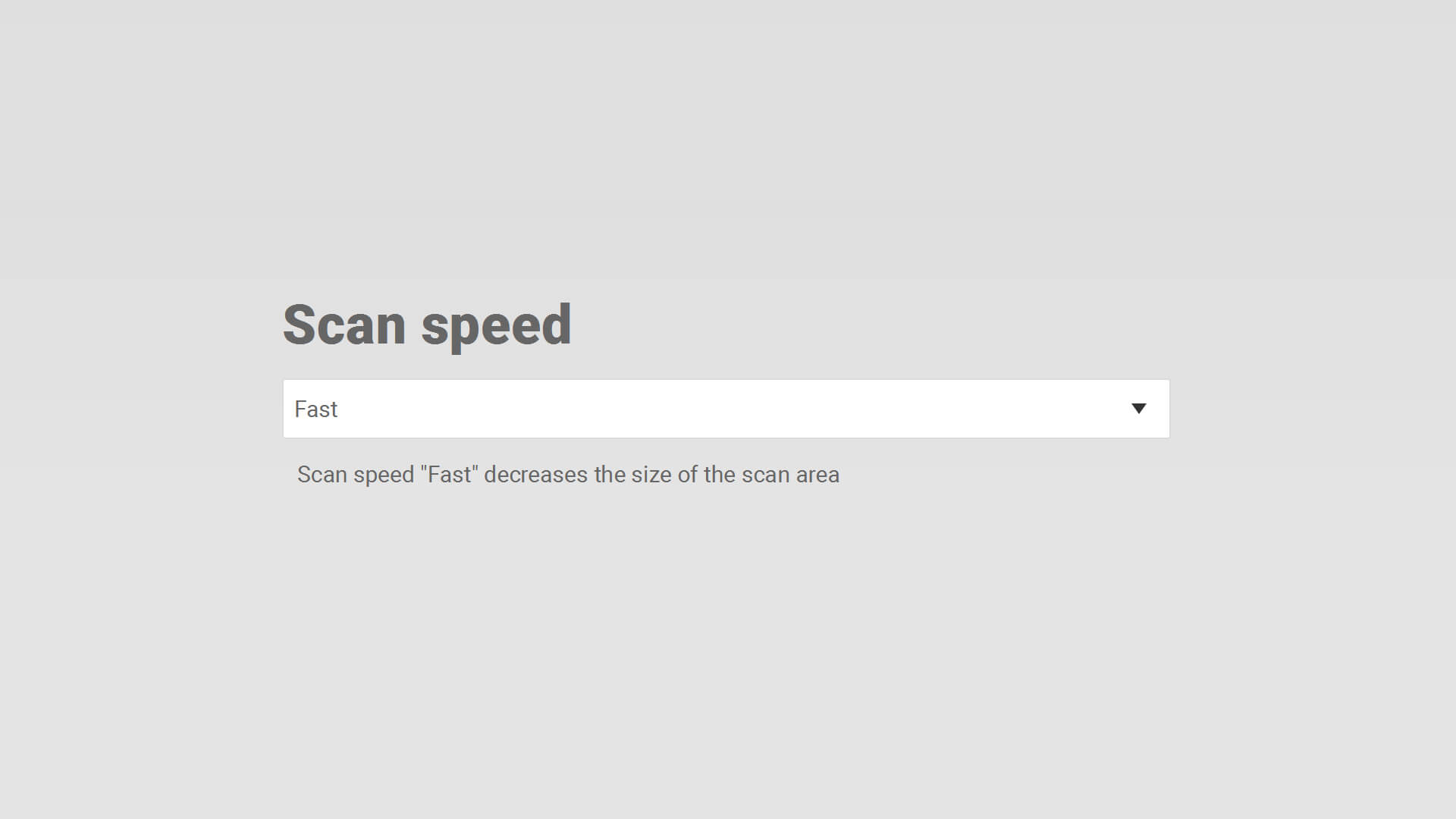
Scangeschwindigkeit Optionen
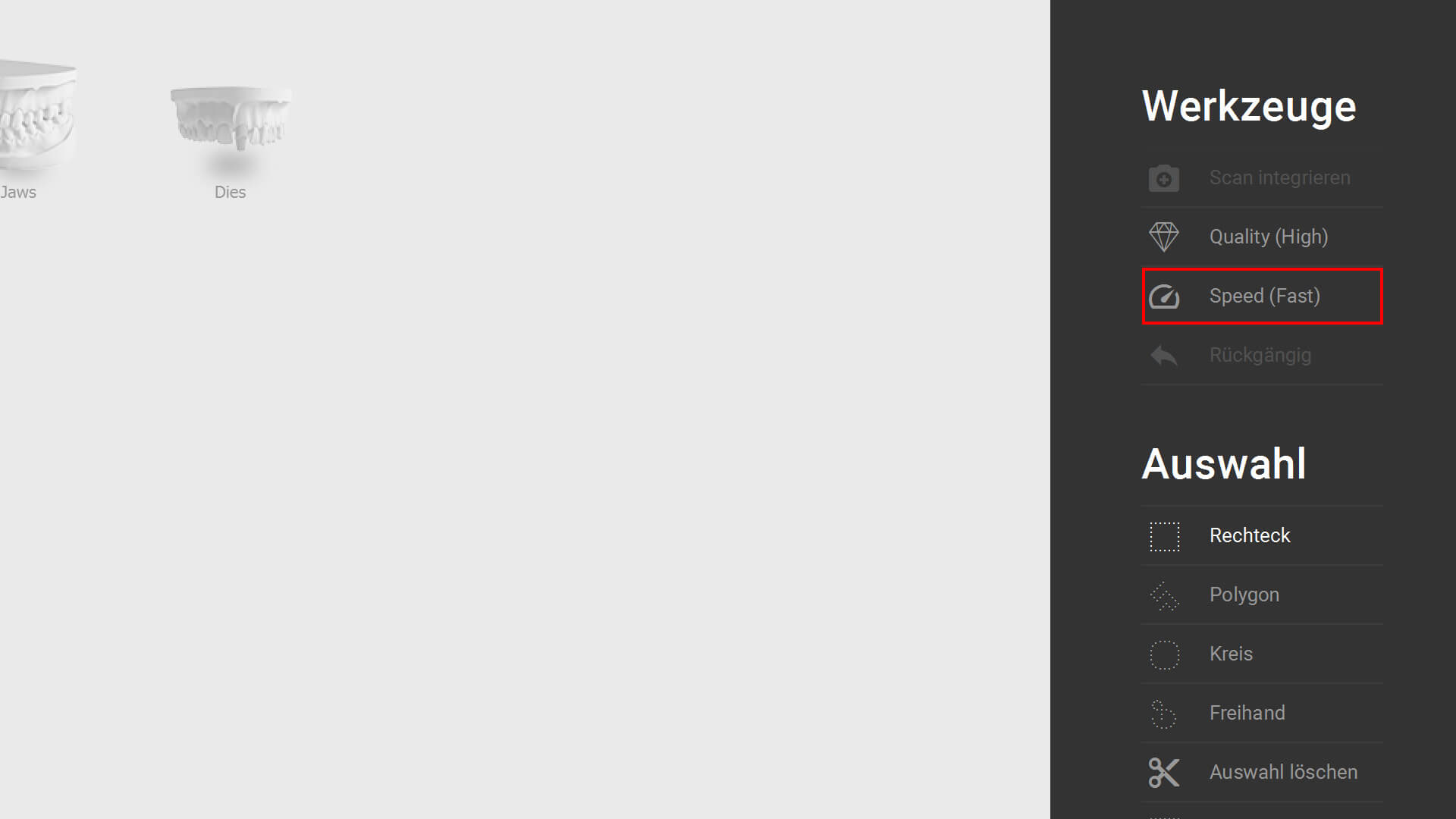
Scangeschwindigkeit Sidebar
Einstellung: Optionen » Scan settings oder rechten Seitenleiste (während des Scannens). “Große” Scanobjekten bitte mit Speed-Option “Basic” scannen (kleinerer Scanbereich)
» Power-User Integration (Free-Mode)
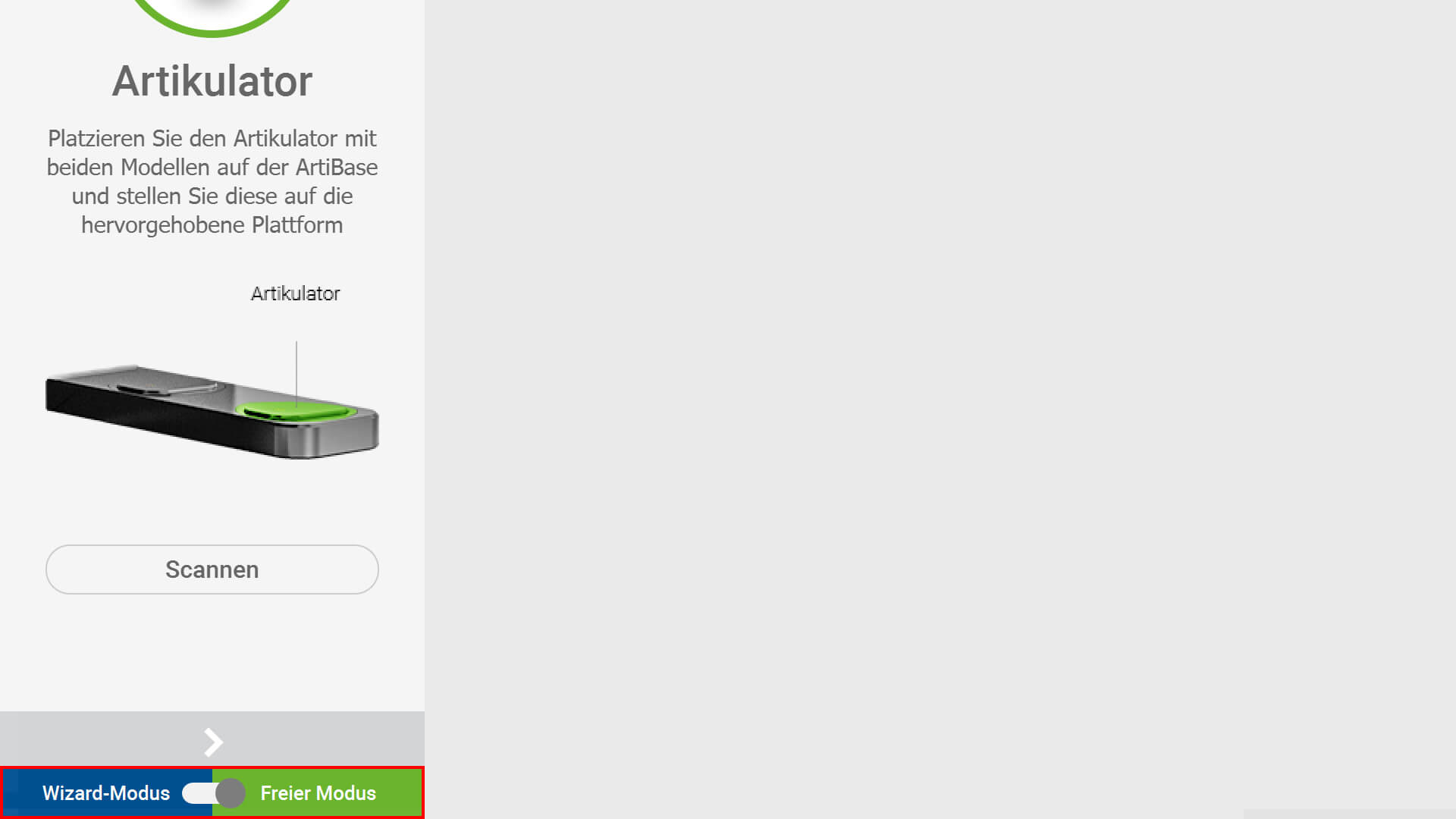
Free Mode Aktivierung
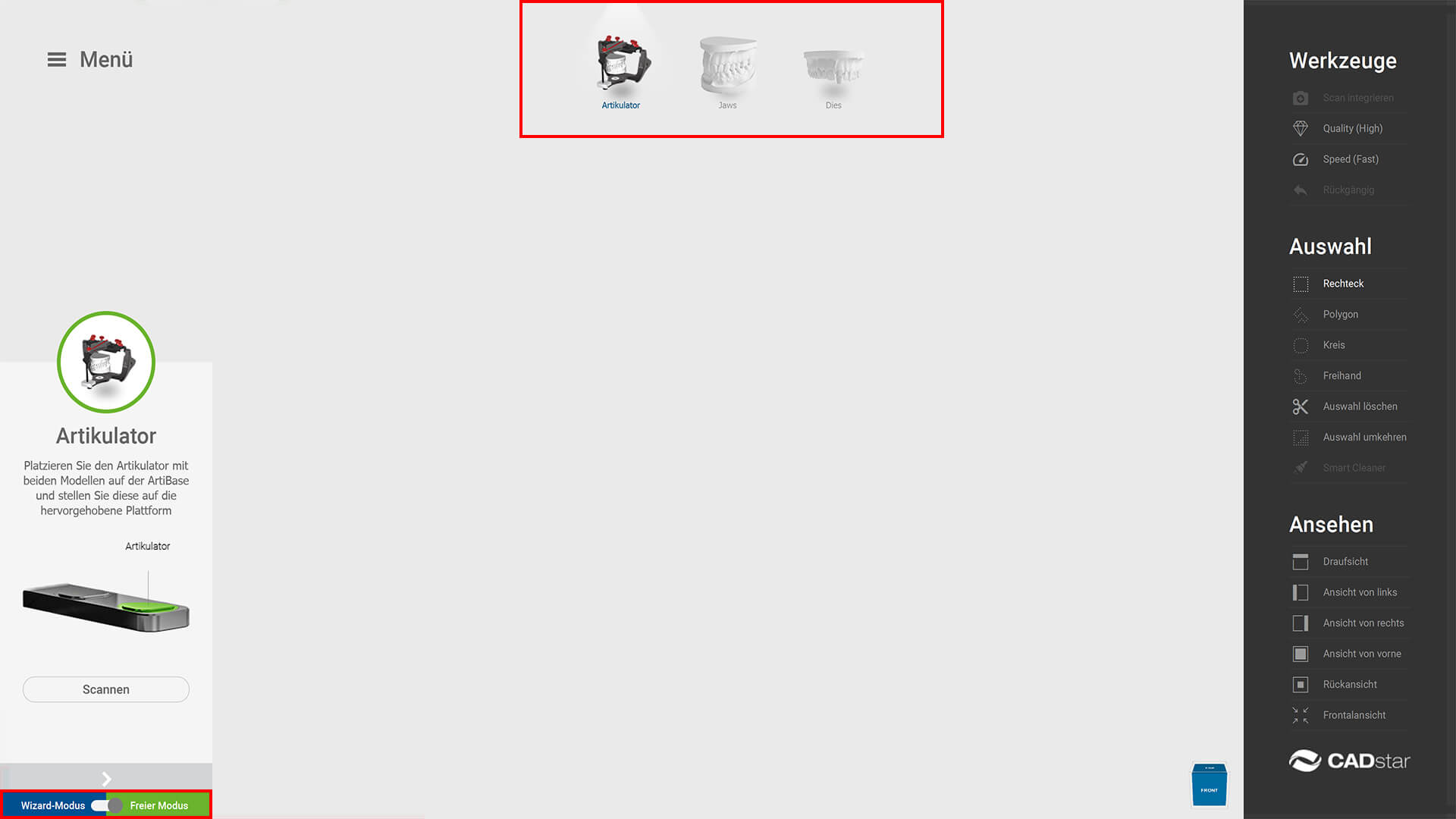
Free Mode Arbeitsbereich
Freie Wahl der Scanreihenfolge. Auswahl Scanschritt durch klick auf Icon. Aktivierung: Im Wizard (linker unterer Bereich).
» Implementierung Expert-Mode
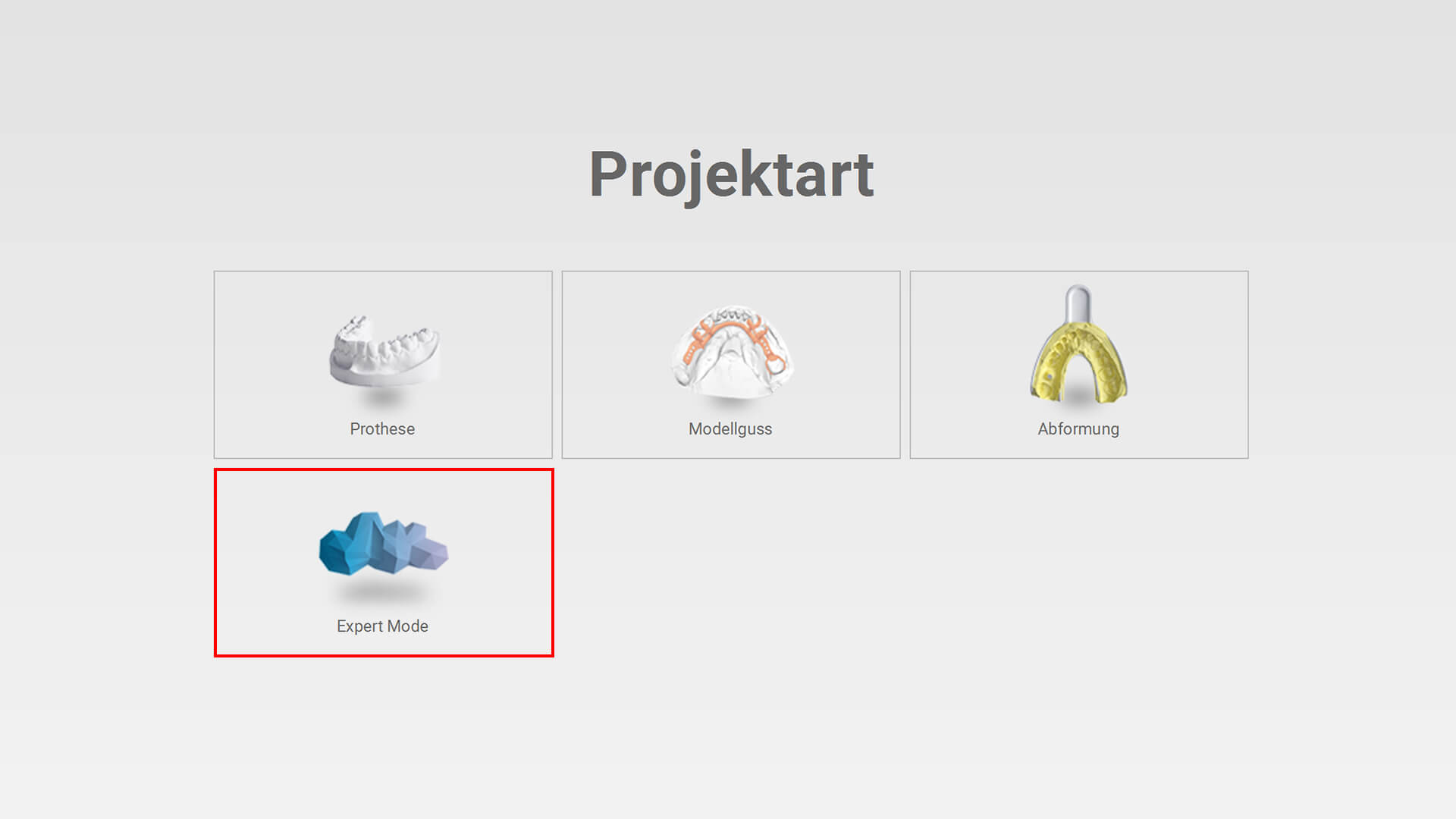
Expert Mode Projekt Anlegen
Free Mode Arbeitsbereich
Digitalisierung nicht dentaler Objekte.
» ID-Detection (Erweiterung)
ID-Detection und Autostart in allen Workflows.
» Automatisierte Abdruck-Achse
Integration voller Funktionsumfang.
» Update 3D-Darstellung
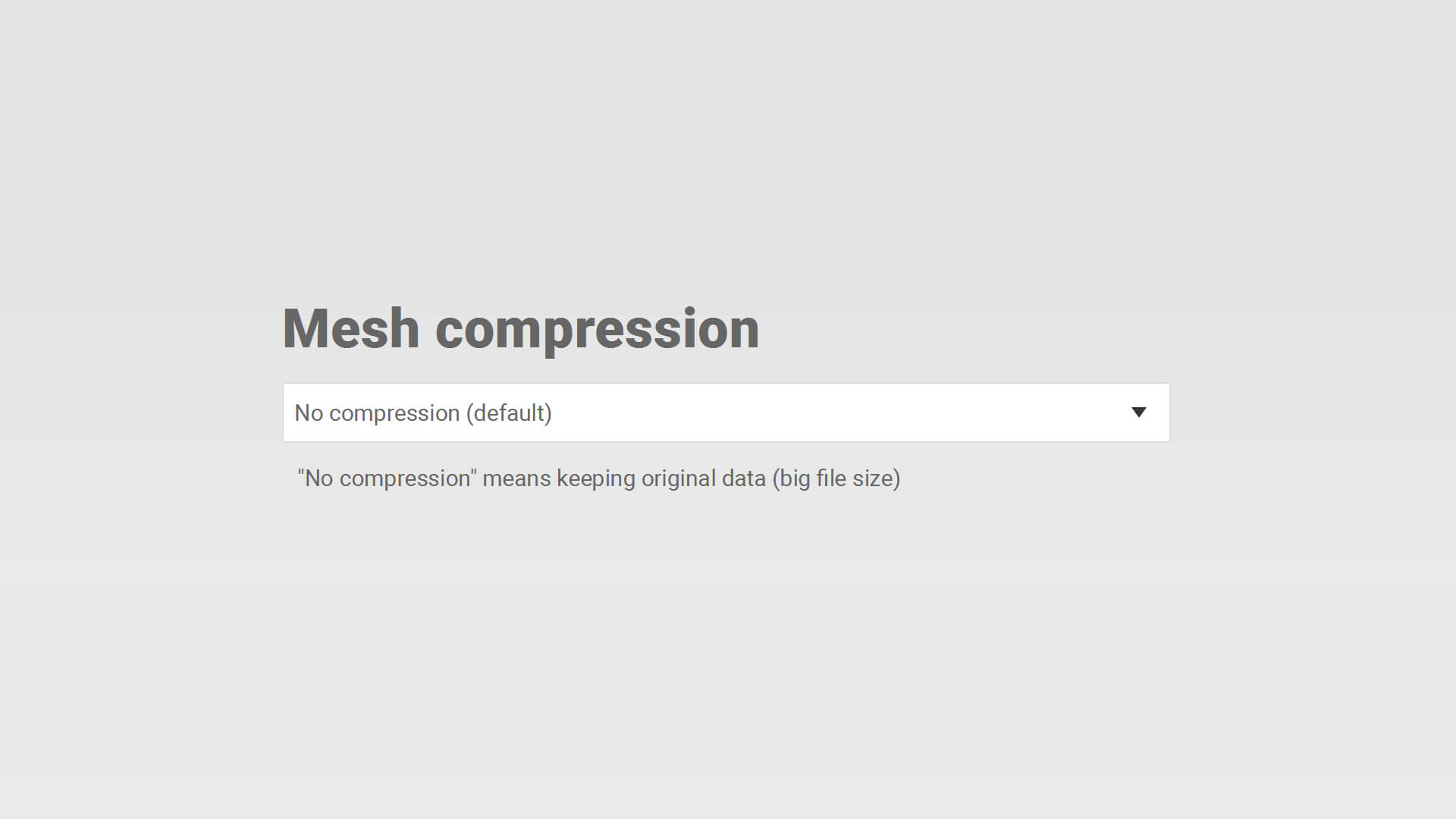
3D Darstellung Mesh Kompression
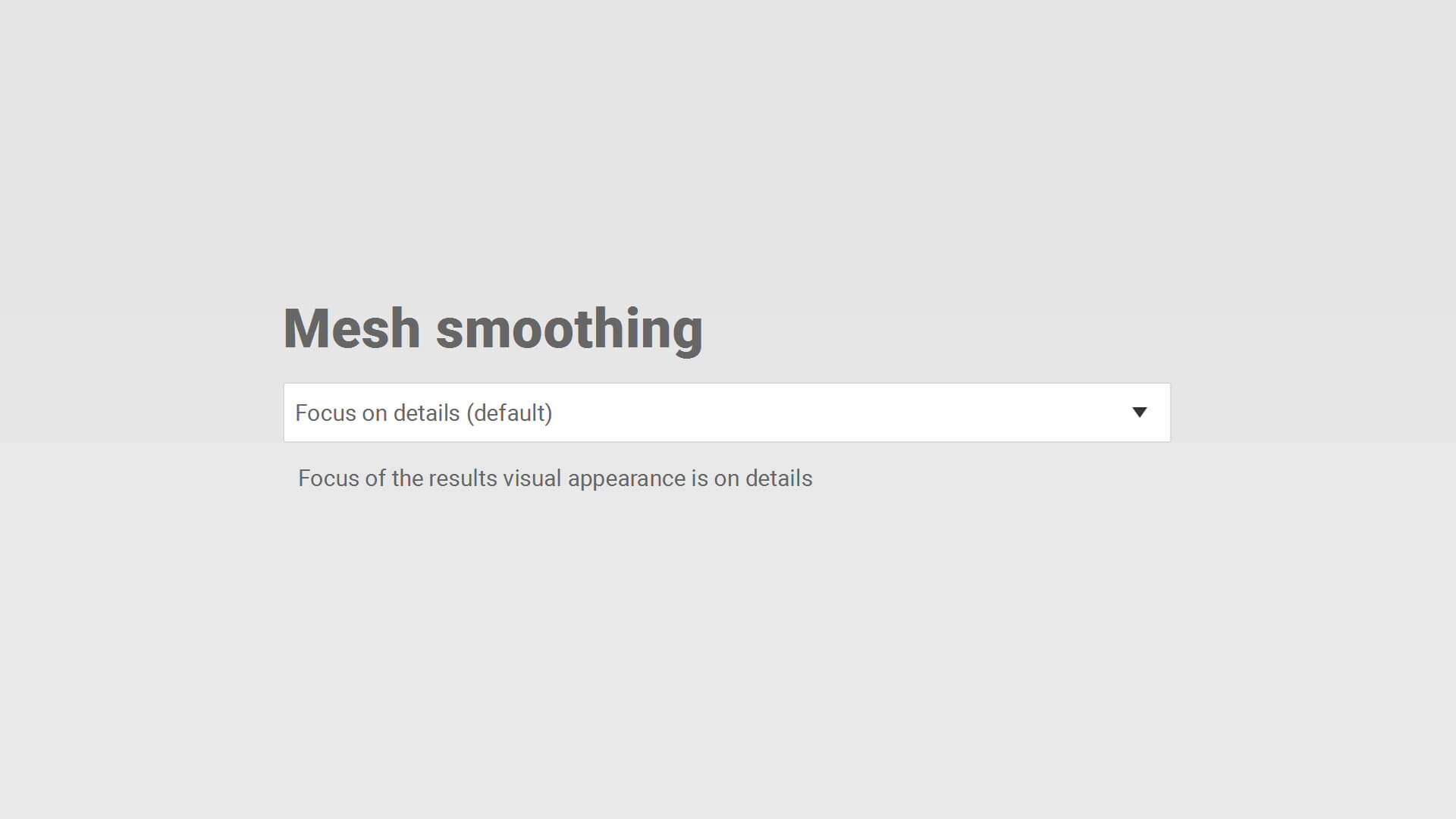
3D Darstellung Mesh Glaettung
Schärfere und realistischer Darstellung. Einstellungen: Optionen » Scan settings
1. Mesh compression: Auswirkung auf Dateigröße
2. Mesh smoothing: Glättung der Darstellung
» Kommunikation Exocad «» Scan-Software
Optimierung Übergabezeit von Projekten (Exocad » Scan-Software » Exocad).
» Exocad 3.2 (Elefsina)
Unterstützung neu verfügbarer Artikulatoren.
07.11.2023
» Verbesserung Scan-Qualität
Optimierung Kantenschärfe und Reduktion freistehender Elemente
05.09.2023
» Artikulator Referenzierung
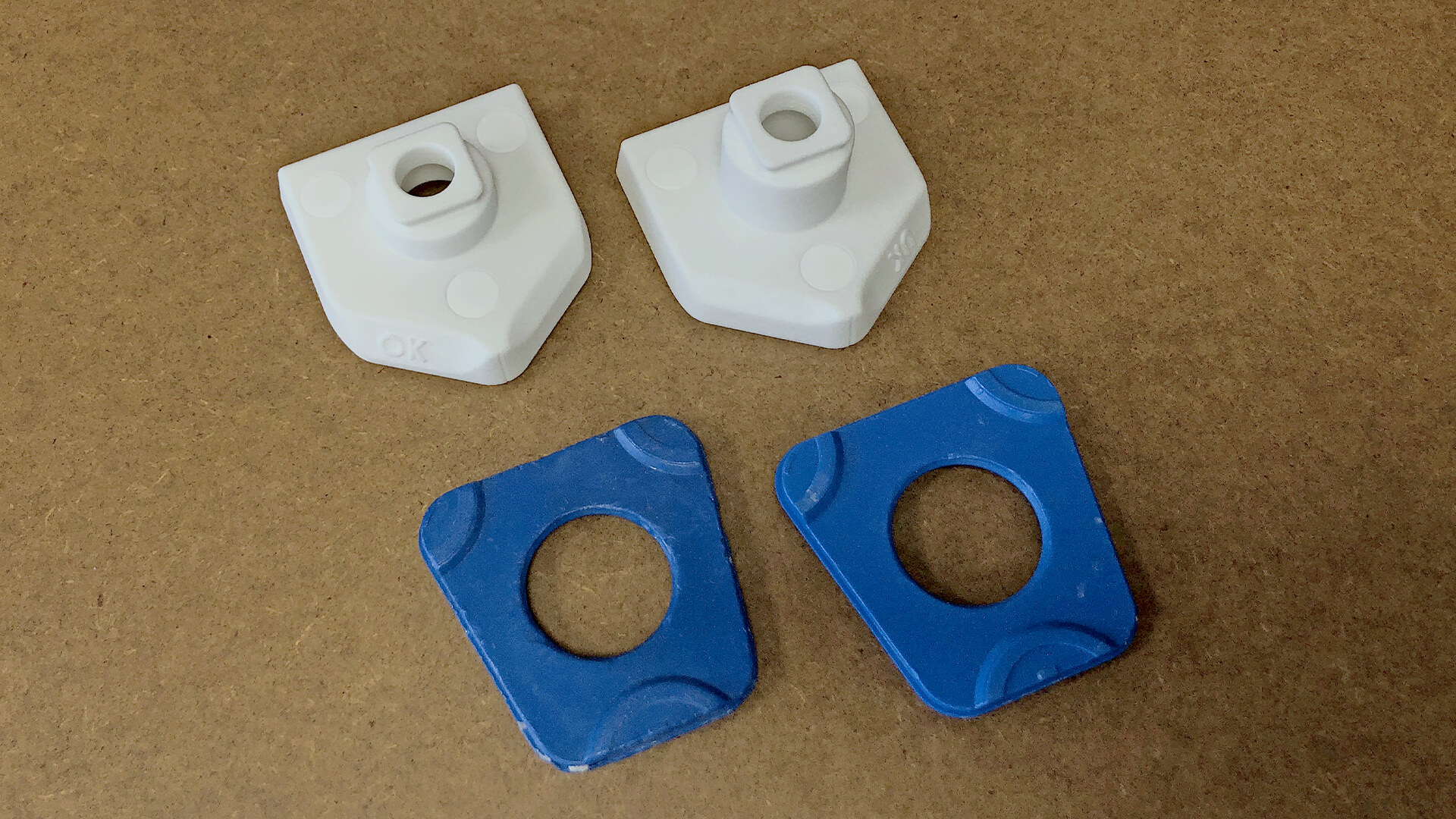
Arti Referenzierung – Messkoerper
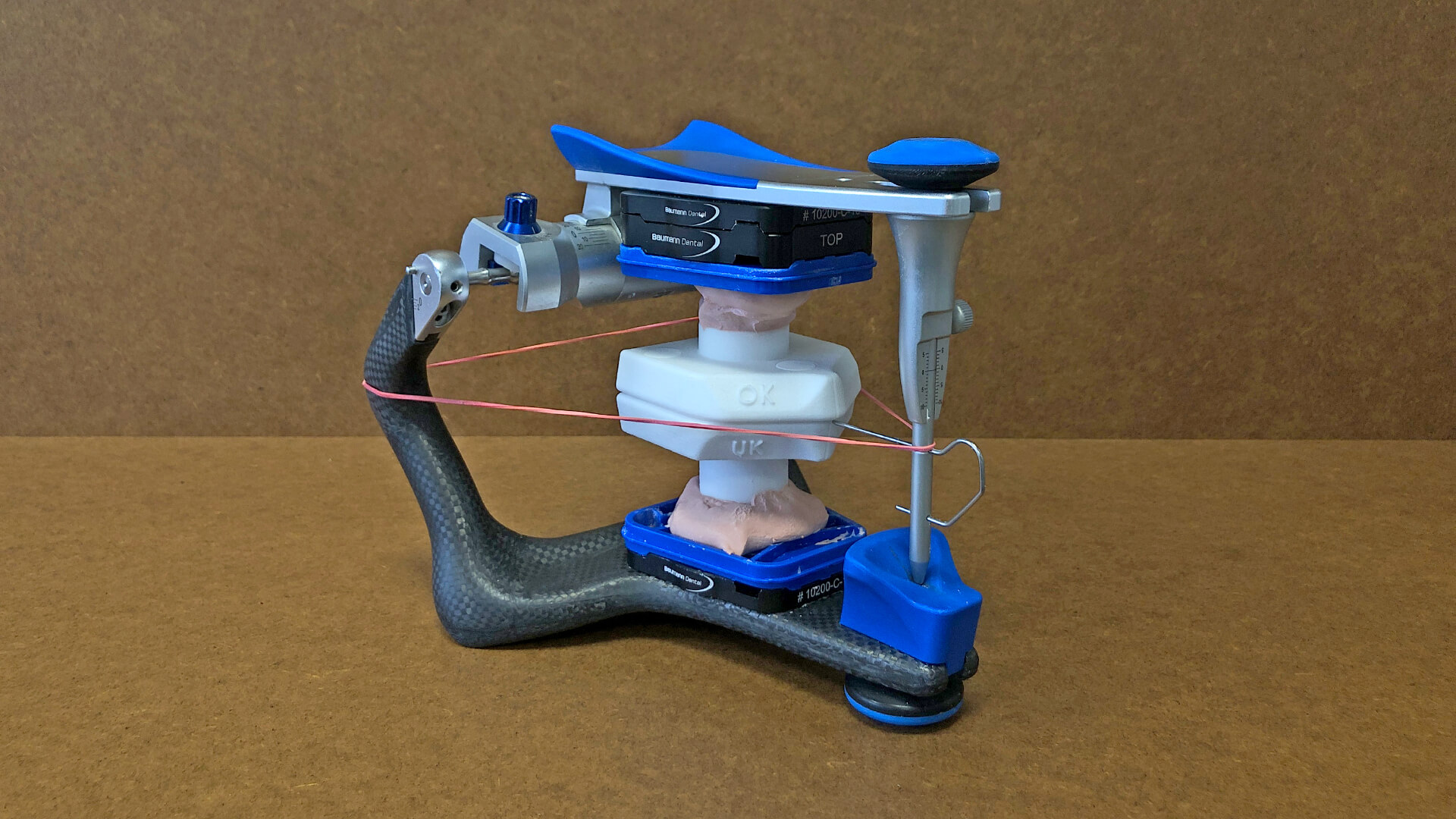
Arti Referenzierung – Messkoerper einartikuliert
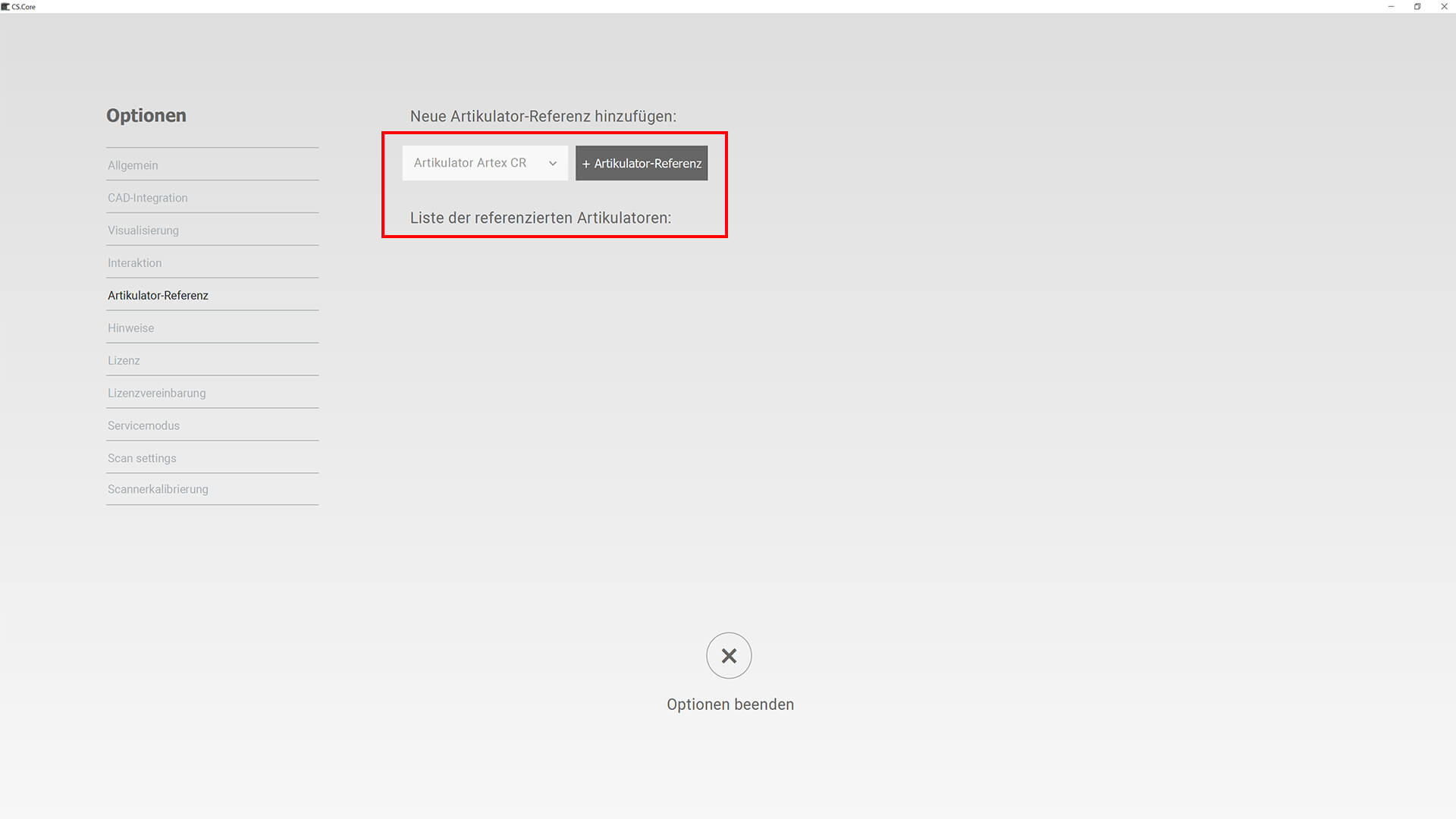
Arti Referenzierung – Artikulator auswaehlen
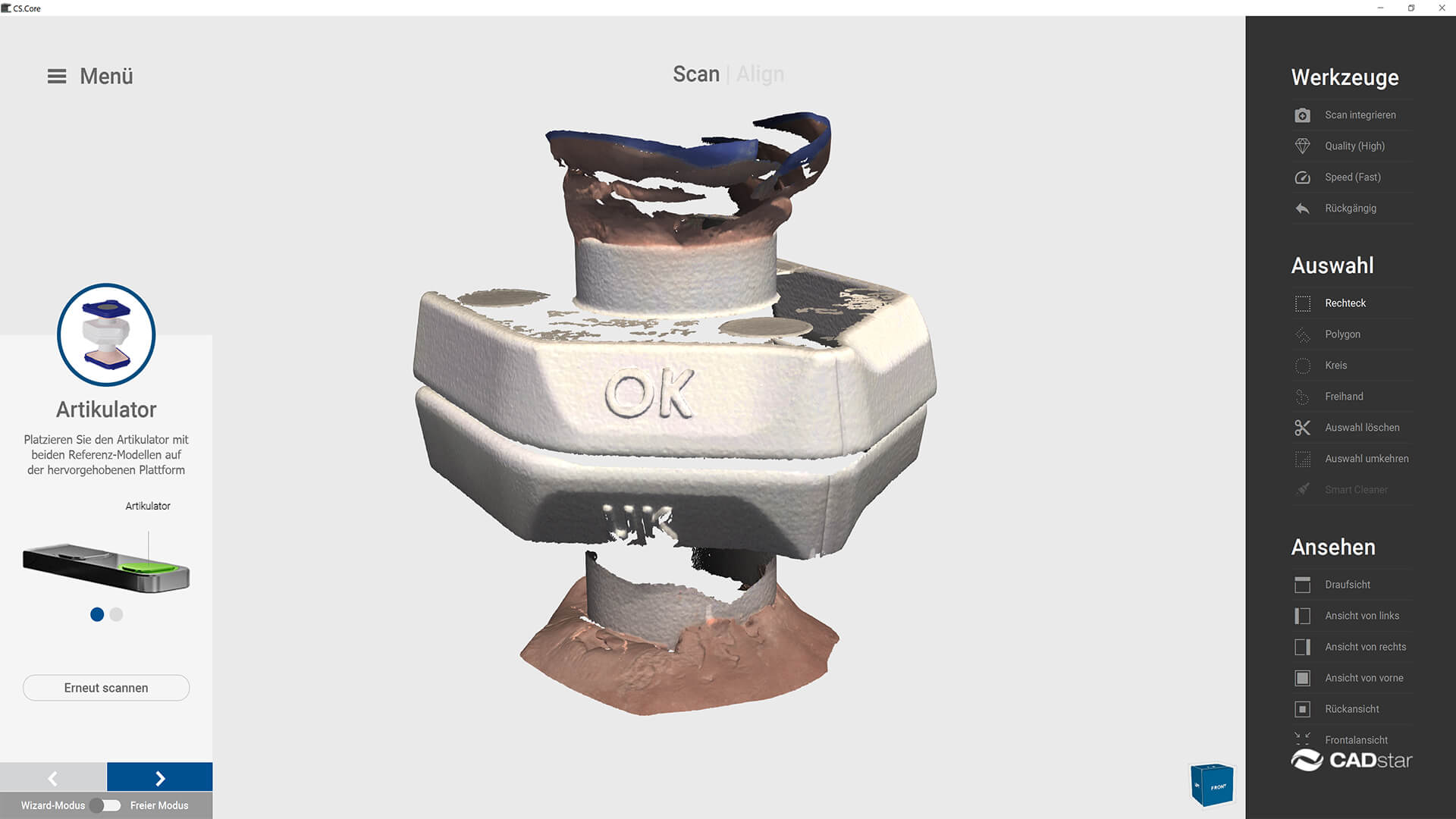
Arti Referenzierung – Artikulator scannen
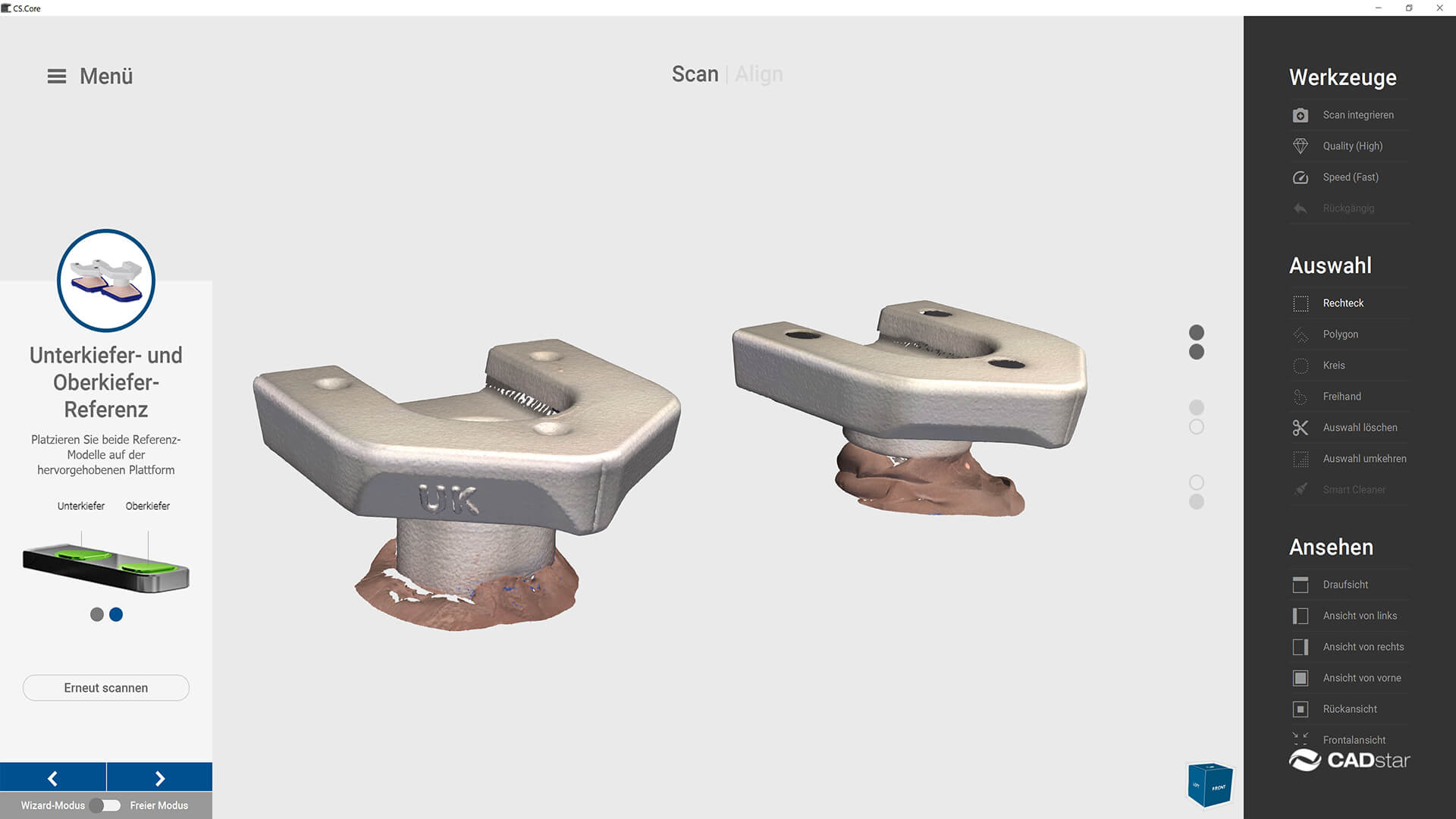
Arti Referenzierung – Messkoerper auf Splitcast scannen
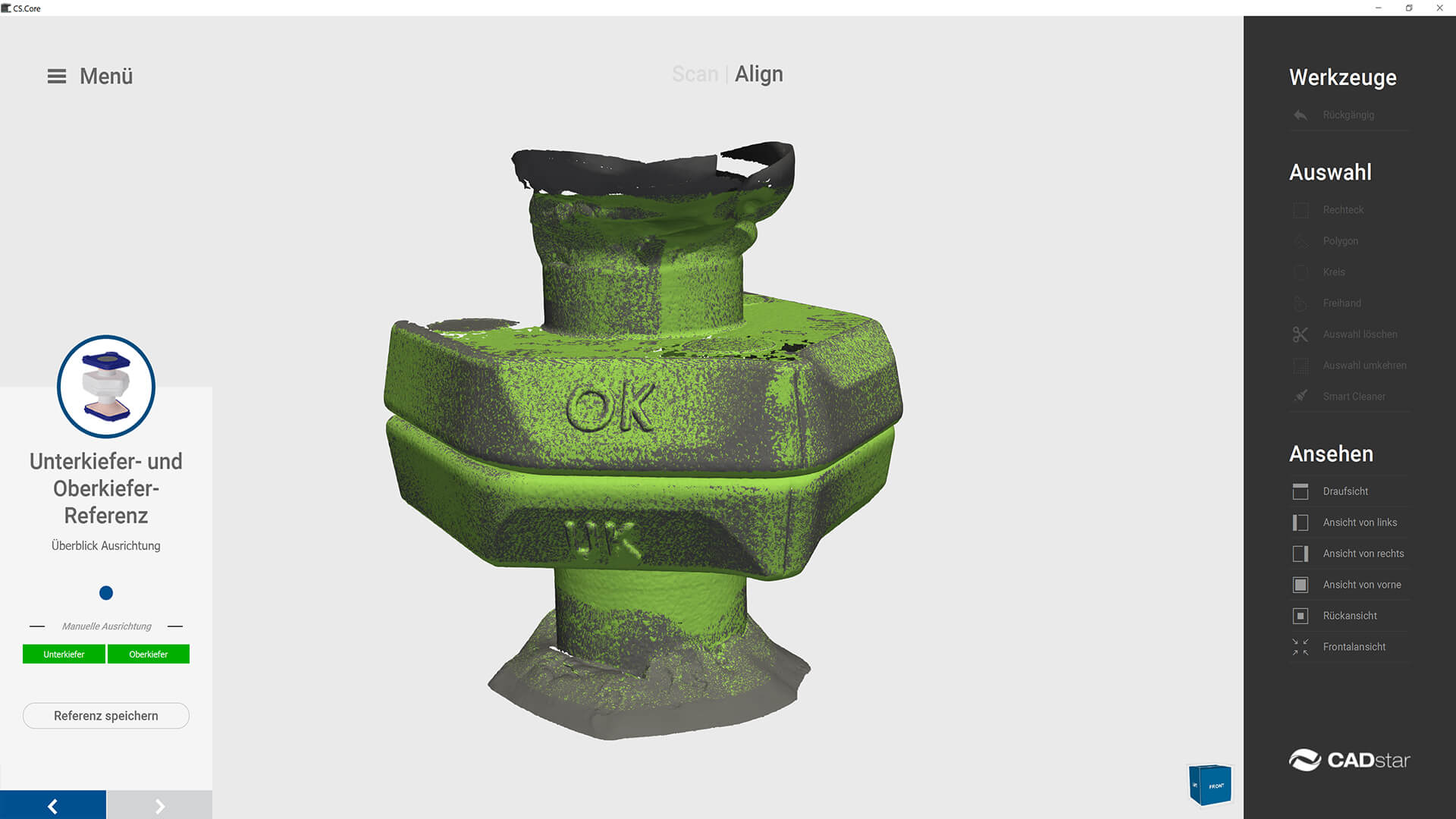
Arti Referenzierung – Matchen
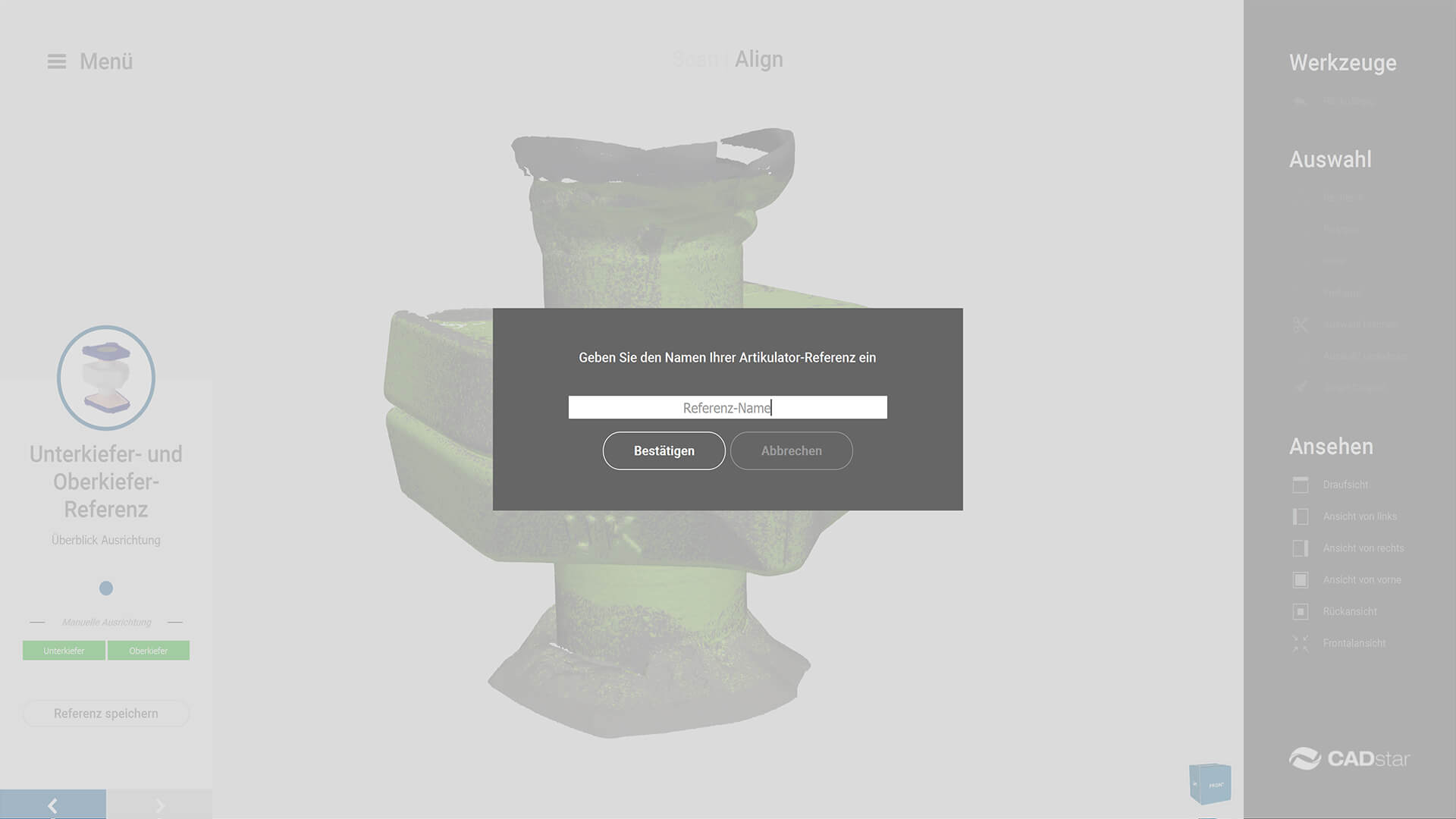
Arti Referenzierung – Speichern
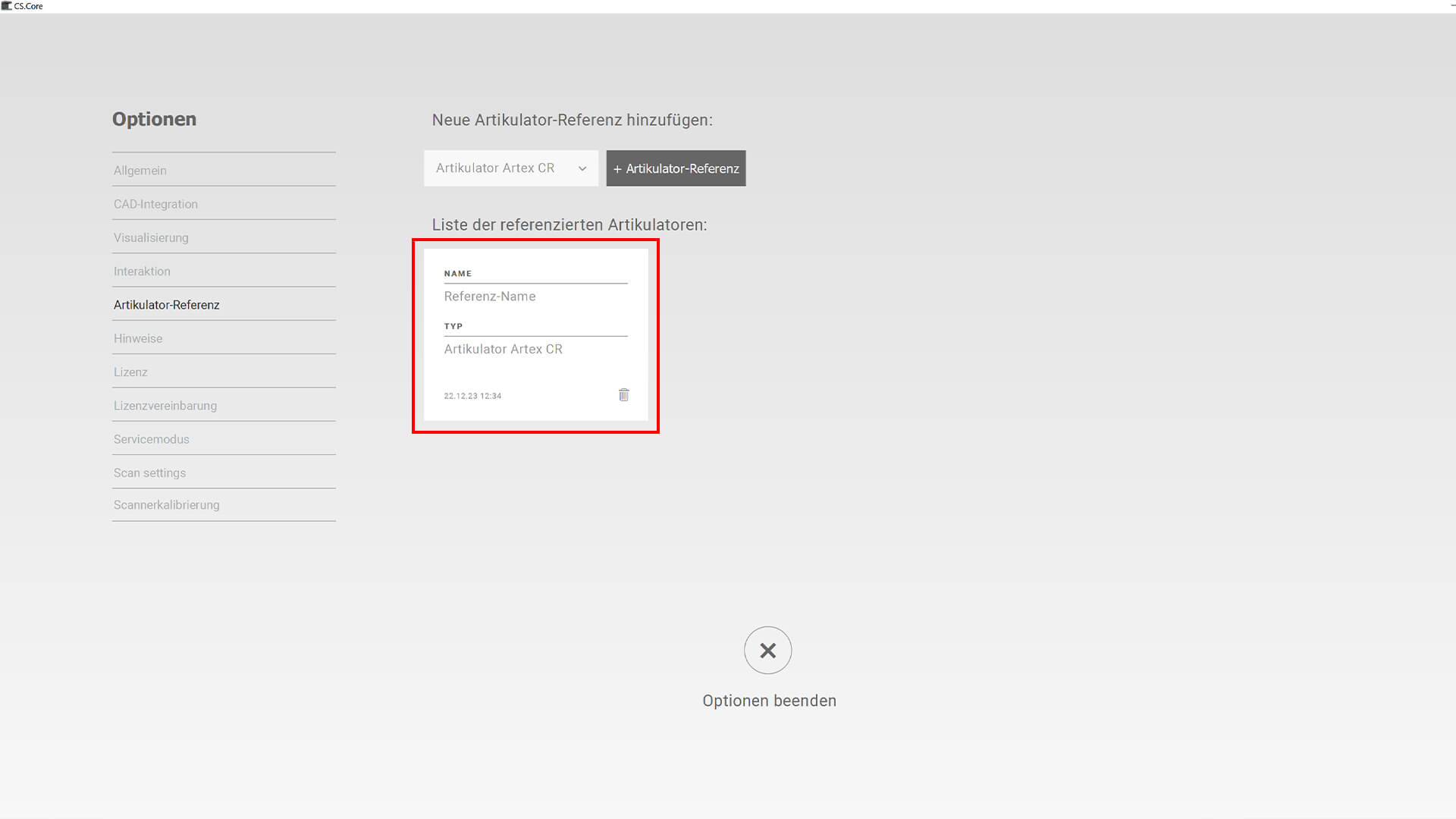
Arti Referenzierung – Uebersicht gespeicherte Referenzierungen
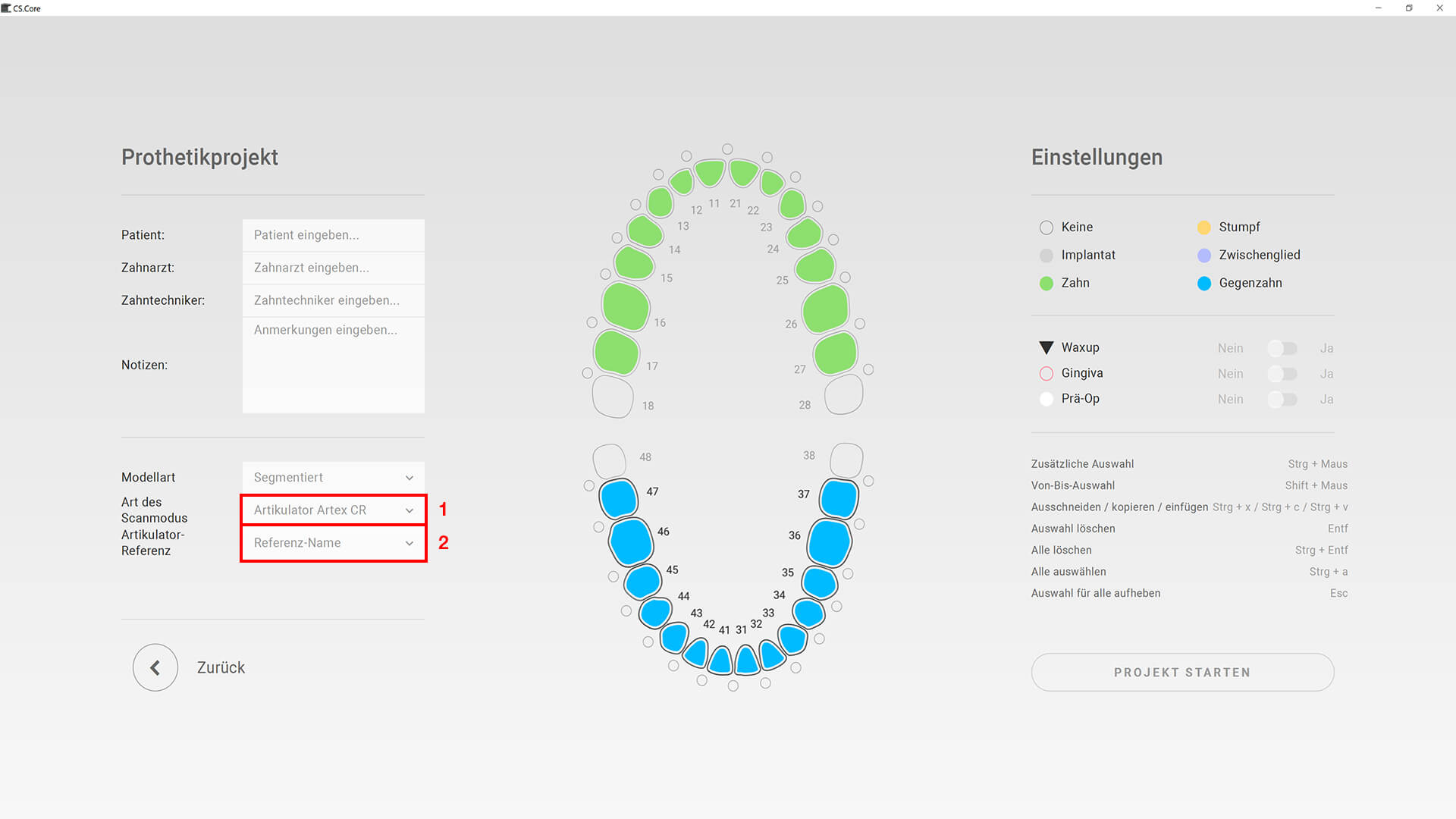
Arti Referenzierung – Referenzierung neues Projekt
Durch Artikulator Referenzierung kein seperater Artikulatorscan mehr nötig.
1. Messkörper Artikulator
2. Messkörper mittelwertig, mithilfe Inzisalstift + Gummiband, für die Okklusale Ebene, justieren
3. Artikulator Typ auswählen und hinzufügen
4. Artikulator + Messkörper scannen
5. Beide Messkörper mit Splitcast scannen
6. Referenzierung matchen
7. Referenzierung speichern
8. Übersicht gespeicherte Referenzierungen
9. Neues Projekt » Artikulator Typ auswählen
10. Neues Projekt » Artikulator Referenz auswählen
19.06.2023
» Optimierter Installationsprozess
Vereinfachung/Optimierung Scansoftware-Installation.
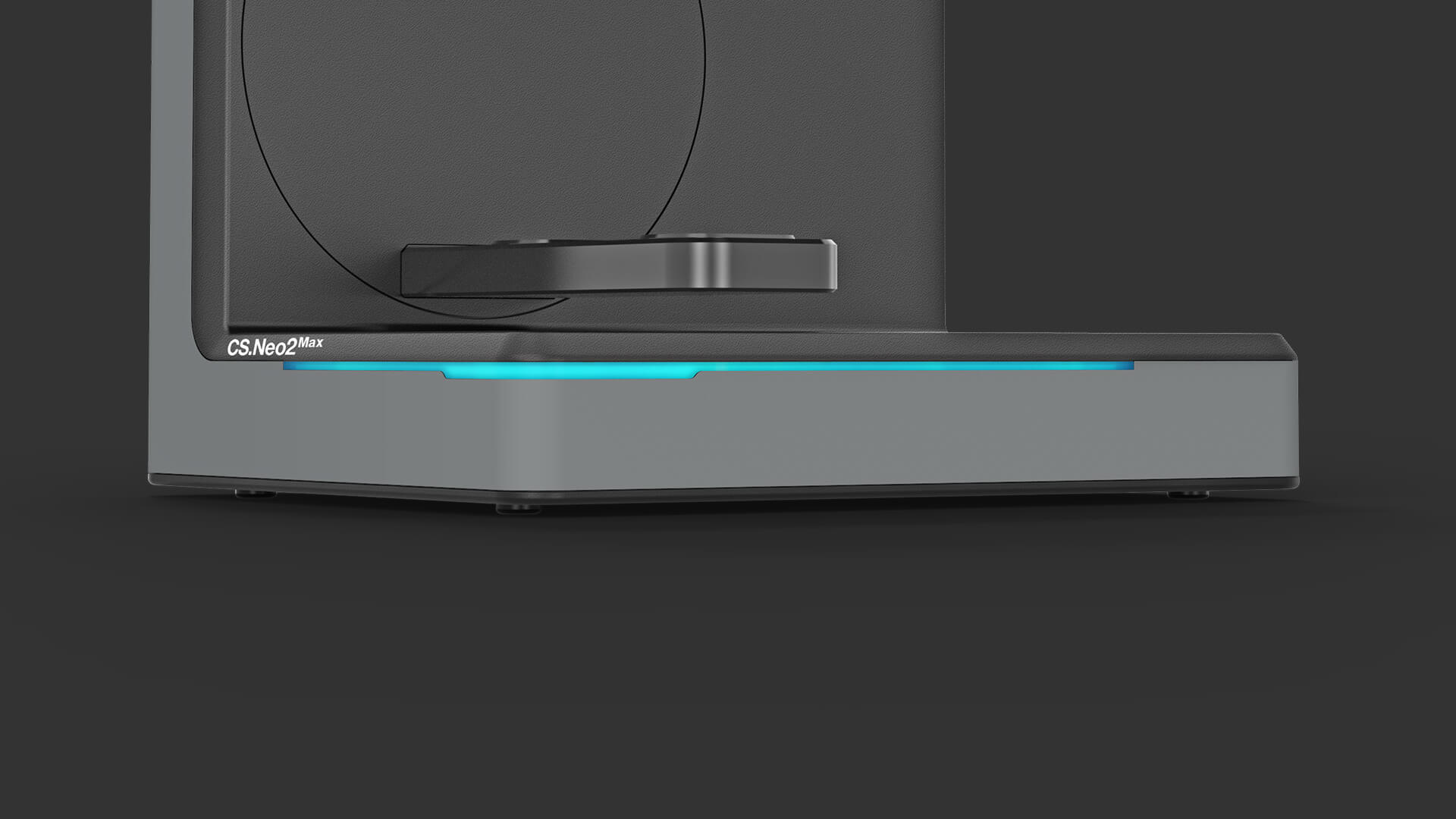
» Optimierung OSI (Optical Status Indicator)
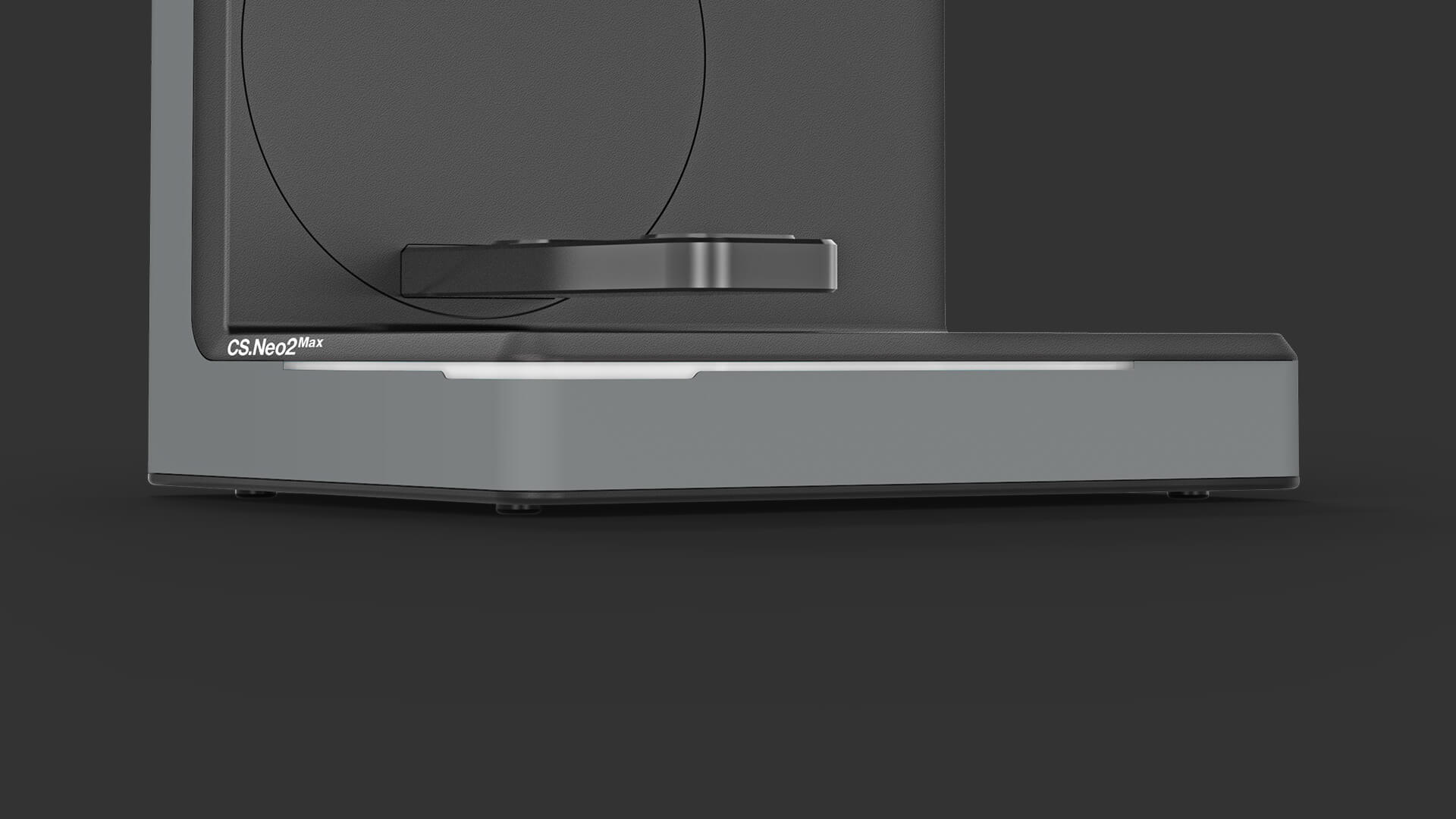
OSI Weiss Blinkend
OSI Weiss Blau Standby
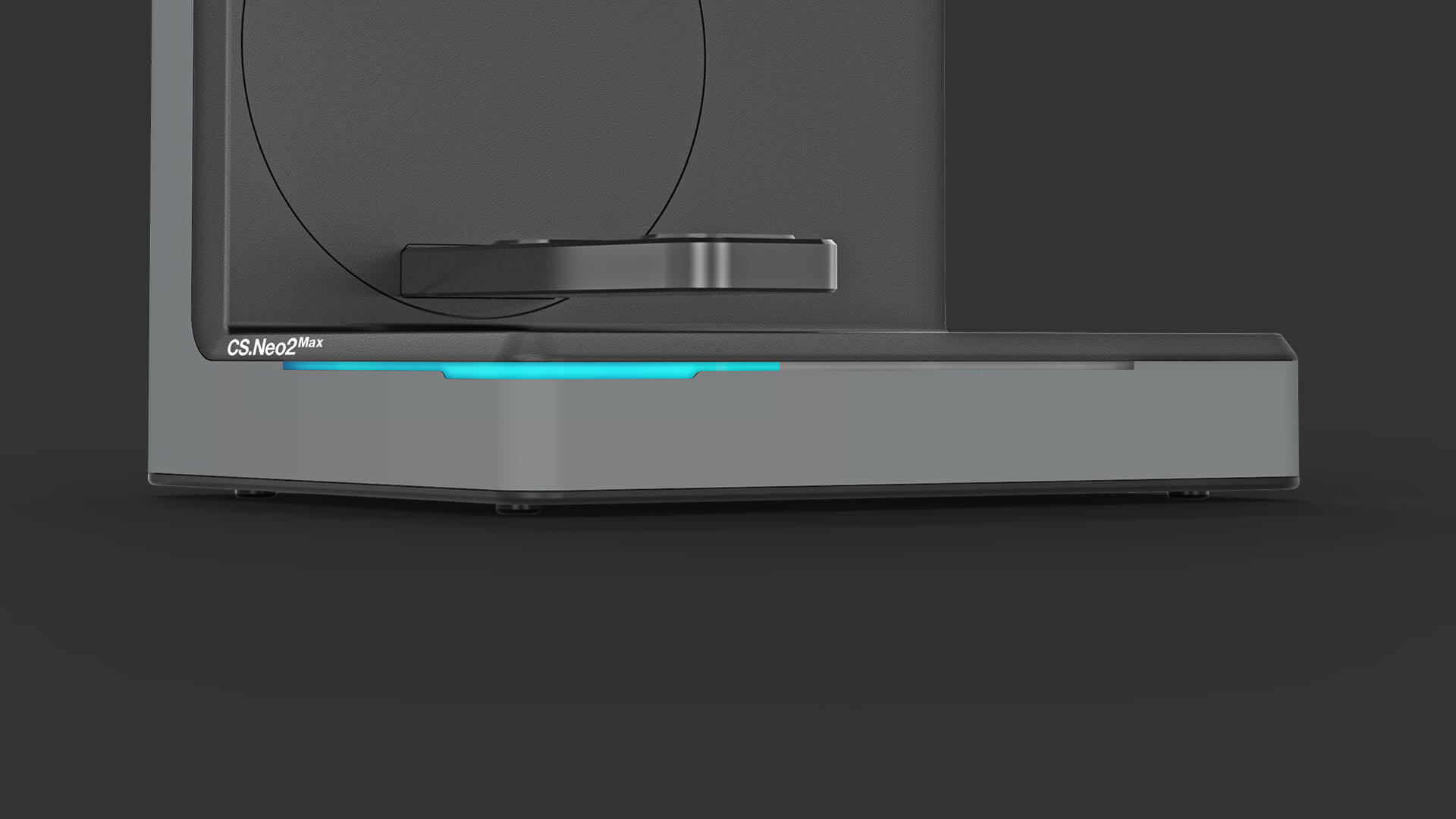
OSI Blauer Ladebalken
OSI zeigt aktuellen Betriebsstatus des Scanners an.
1. Weiß blinkend (Gerät eingeschalten ABER nicht mit Software verbunden)
2. Blau (Gerät eingeschalten und mit Software verbunden)
3. Blauer Ladebalken (Fortschrittsanzeige Scanvorgang)
» Dynamische Lüfterregelung
Lüfter nur bei Bedarf (ruhiger und effizienter).
» ID-Detection (autom. Zubehörerkennung)
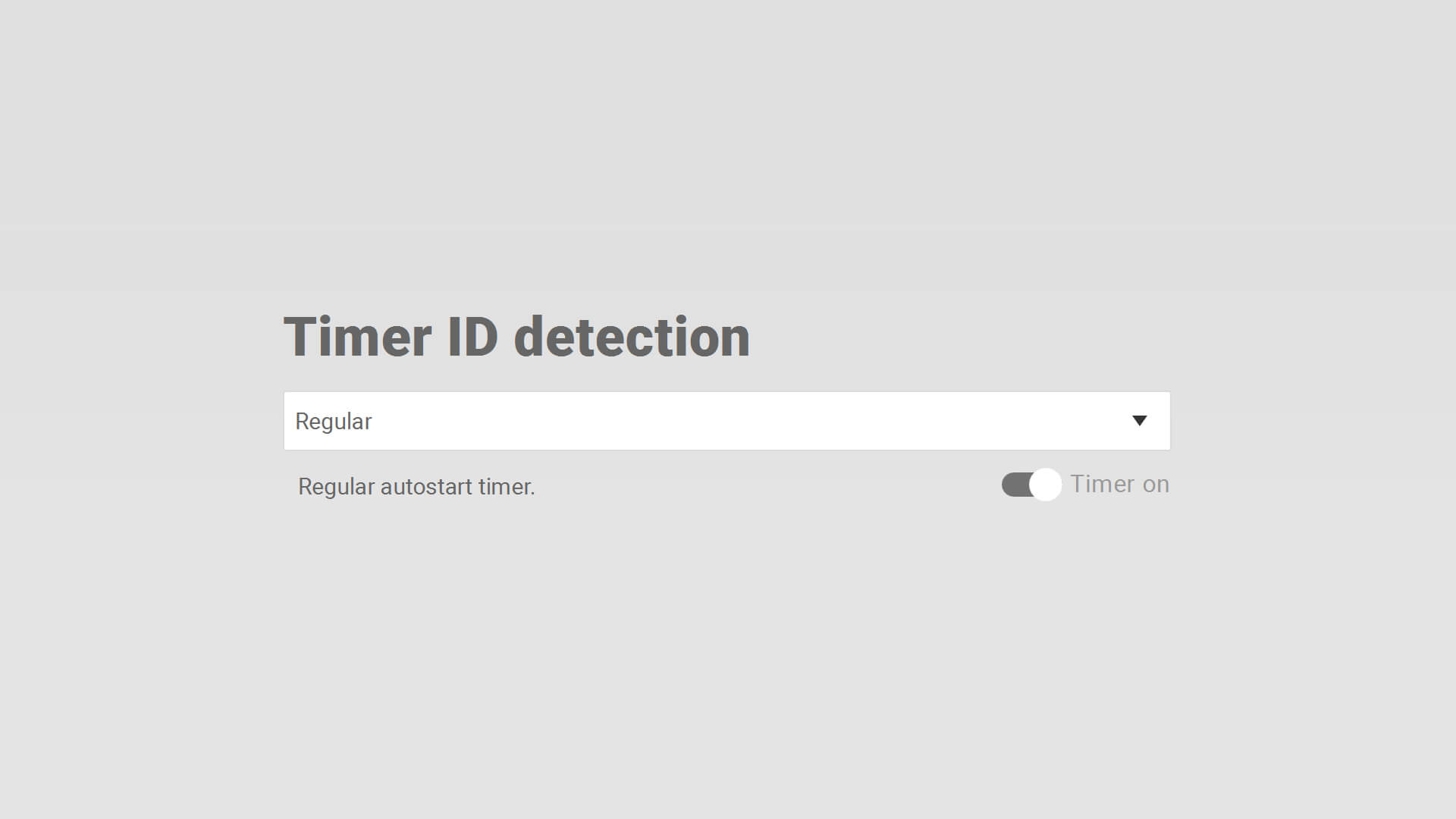
ID Detection Optionen
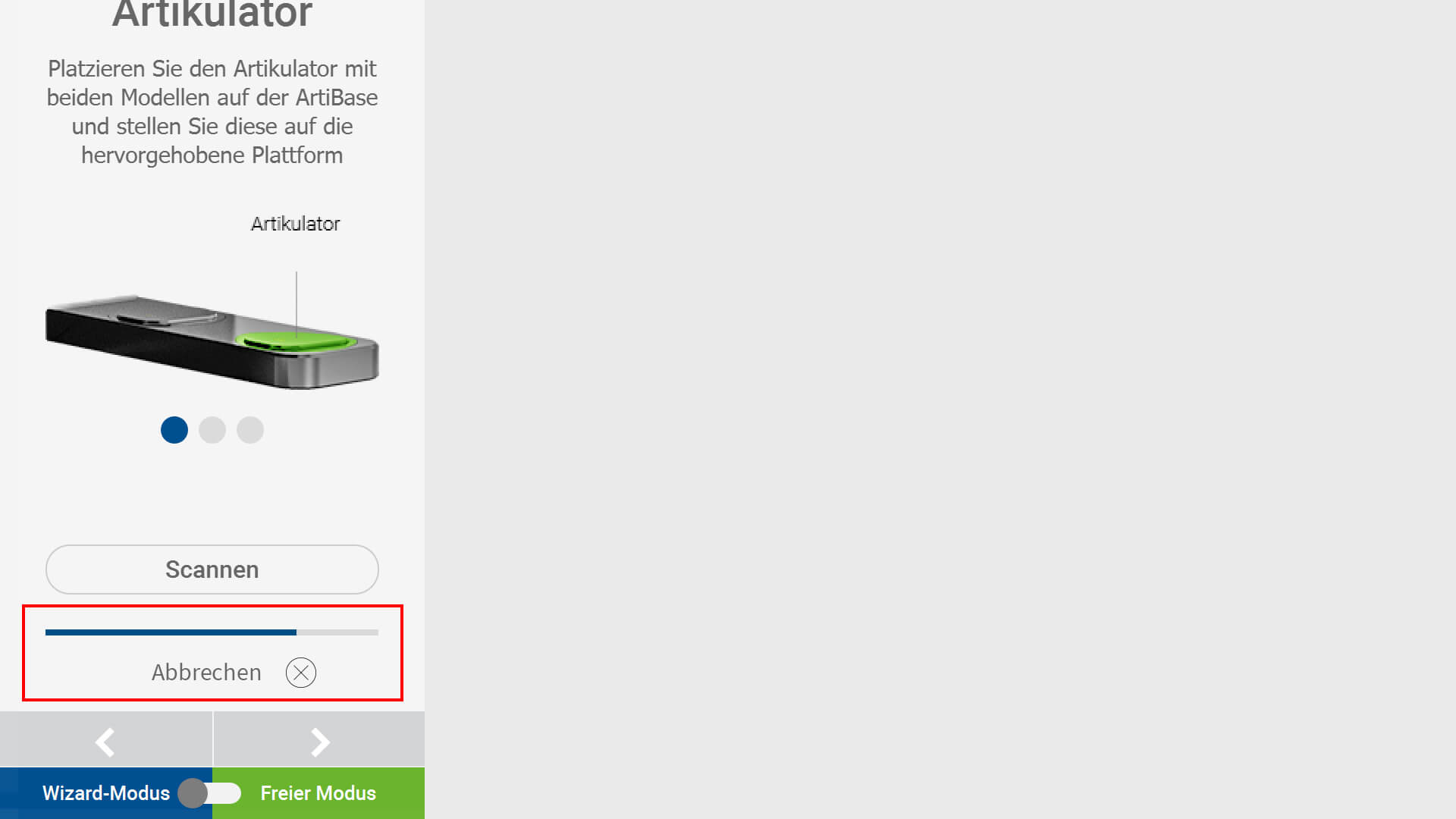
ID Detection Autostart Anzeige Wizard
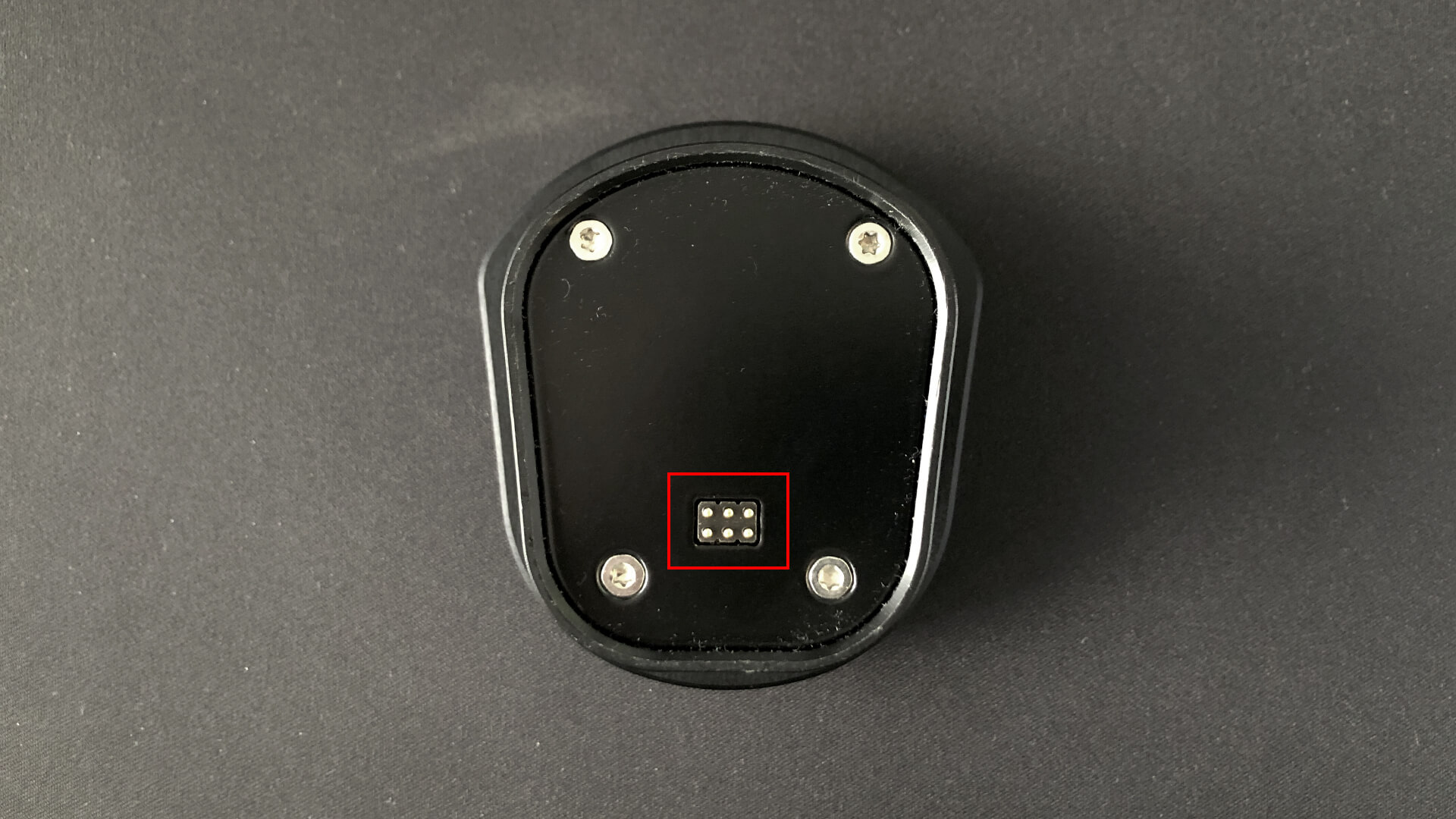
ID Detection Zubehoer Kontakte
Autostart nach einsetzen des Zubehörs (kein “Weiter” klicken mehr erforderlich). Ladebalken signalisiert Wechsel zum nächsten Arbeitsschritt. Nur korrektes Zubehör (Arbeitsschritt entsprechend und mit Anschlüssen) wird aktiviert. Einstellung Autostart Zeit: Optionen » Scan settings.
- Fast (ca. 2 Sekunden)
- Regular (ca. 4 Sekunden)
- Relaxed (ca. 6 Sekunden)
- Timer on/off (Aktivieren/Deaktivieren der Zubehörerkennung)